When your AI coding agent misbehaves, simply changing the prompt often isn't enough. A new tool called ccglass helps you see the hidden details of what the agent is actually doing, like its prompts and tool calls, so you can fix issues properly.
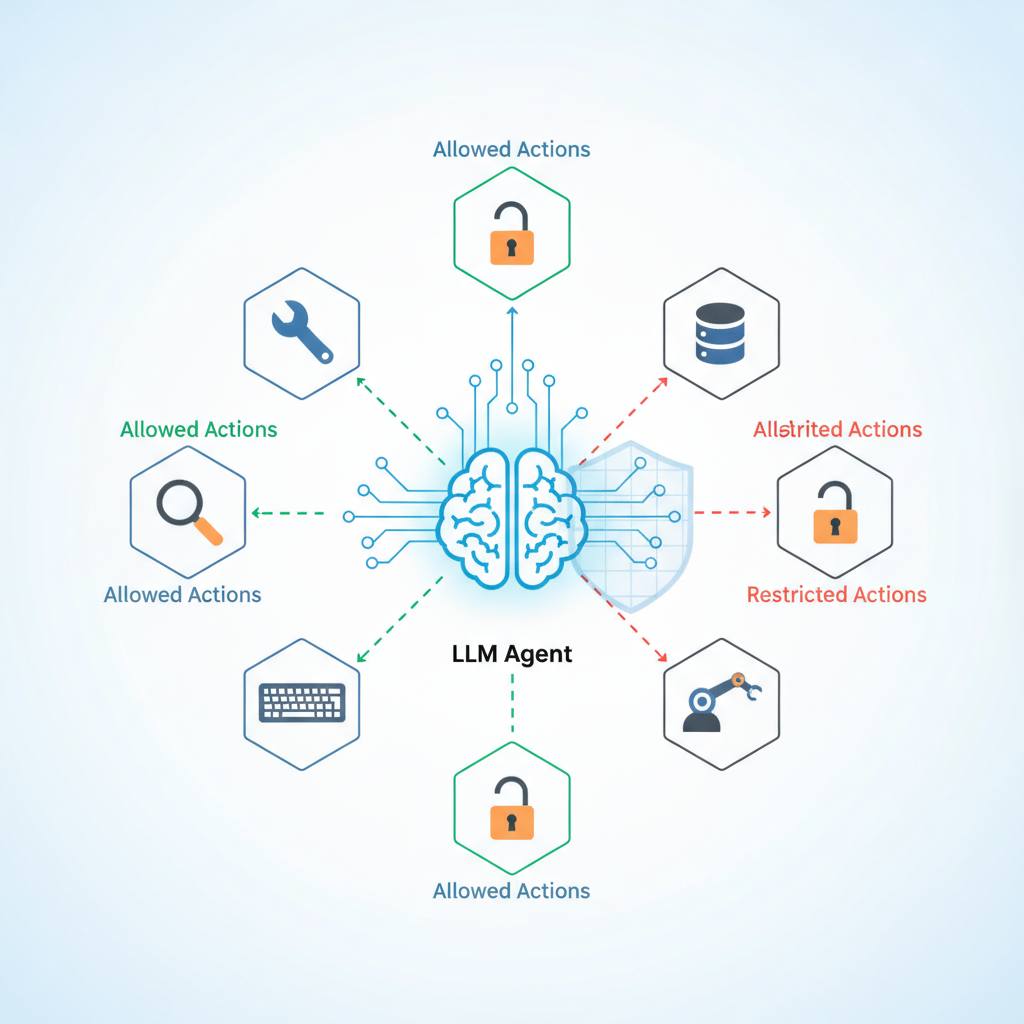
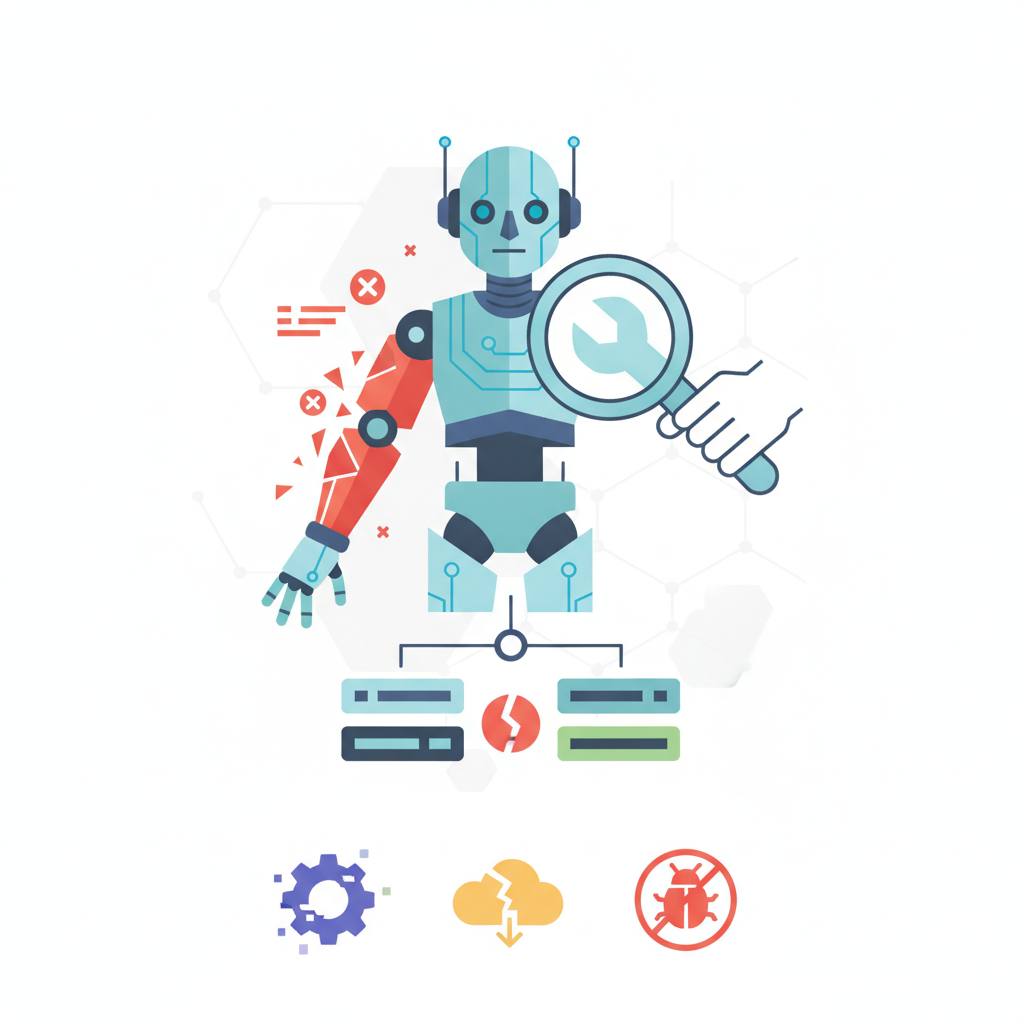
Have you ever found your AI coding agent acting strangely, perhaps repeating commands or failing to edit a file it claimed it did? It's a common frustration, and simply tweaking your prompt often won't solve it. The truth is, when these advanced agents stumble, the visible error is rarely the full story. Modern AI coding agents, like Claude Code or Codex, are much more complex than simple chatbots. They operate in a loop: taking your request, making a model request, calling tools, executing local commands, processing results, and then forming a final answer. A bug can pop up at any point in this chain. Maybe the agent never properly saw the tool you wanted it to use, or the instructions for that tool were unclear. Perhaps it sent a malformed request to a provider, or a sudden surge in data caused your token usage to skyrocket. These are the kinds of hidden problems that are impossible to diagnose by just looking at the final output. Guessing what went wrong is a time-waster. That's why a new tool called ccglass is so useful. It's designed to let you peek behind the curtain and see exactly what your agent is sending to the underlying model. When an agent isn't doing what you expect, there are typically five key things you'll want to inspect. First, the system prompt can reveal a lot; it might contain rules or instructions that are overriding your own commands. For instance, it could be telling the agent when to ask permission or how much work to do before stopping. Next, you'll want to examine the tool schemas. If a tool's description is vague or too large, the agent might not use it correctly. You also need to see the actual tool calls the agent is making and their results. This helps you confirm if the agent is attempting the right actions. Finally, keeping an eye on token usage and costs is crucial. Unexpected spikes can indicate that the agent is processing too much data or getting stuck in a loop. With tools like ccglass, you can move past guesswork and start precisely identifying and fixing the real issues with your AI coding agents.