If you've recently switched to Linux for development, you might be surprised that some essential tools like compilers aren't pre-installed. This post explains why that happens and how 'package managers' help you install exactly what you need.
Have you recently tried switching from Windows to a Linux system for building your software, only to find a common tool like 'g++' missing? This is exactly what many new Linux developers encounter, and it's an issue highlighted in our news report today. You might expect operating systems to come with everything you need for programming, but Linux works a little differently.
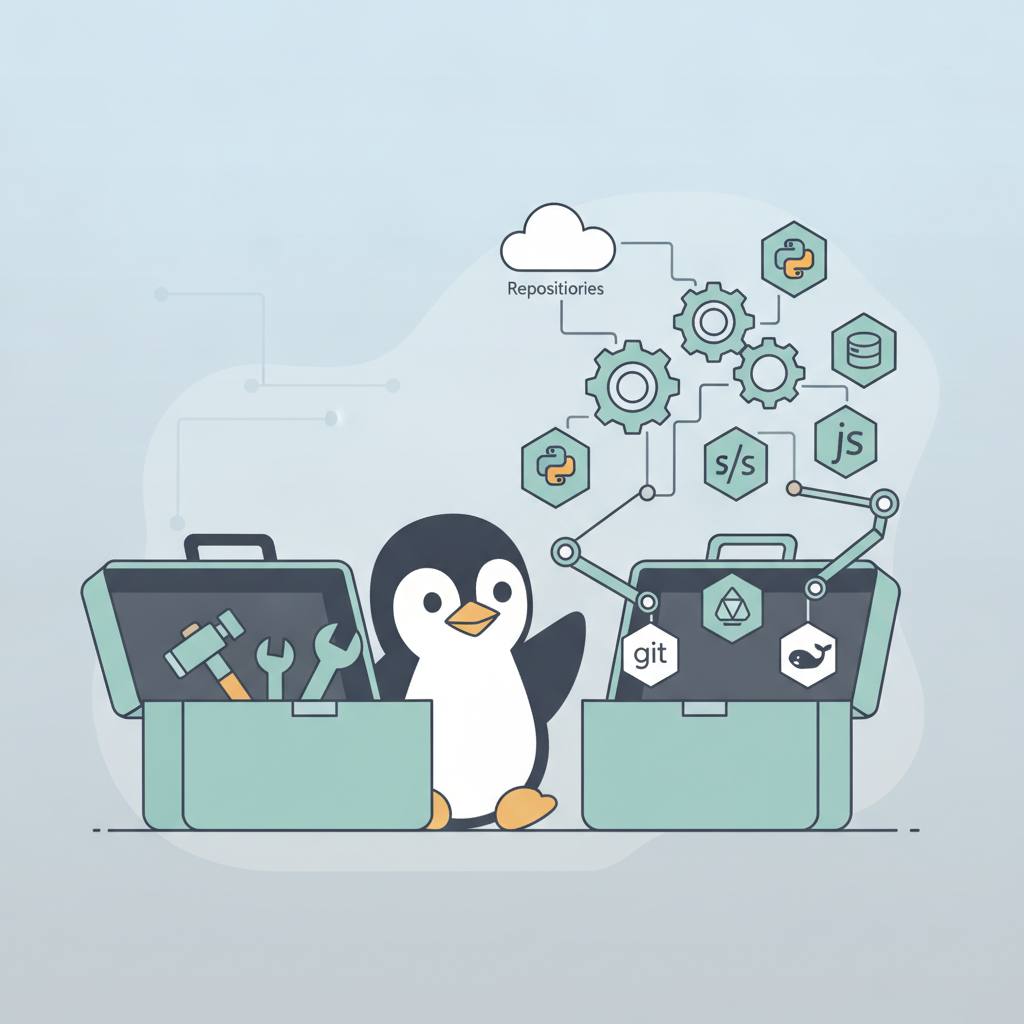
Imagine you're setting up a basic toolkit for your workshop. It doesn't come with every possible tool in the world, right? Instead, it provides the essentials to get you started, and then you add the specialized tools you genuinely need for specific projects. This is precisely the philosophy behind many Linux distributions.
Linux distributions like Fedora aim to be as lightweight and flexible as possible. This means the initial installation doesn't include every potential piece of software or development tool. Why? Because bundling every compiler (like g++ for C++), every debugger, and every library would make the operating system's size very large and unnecessary for most users. For instance, the Linux system itself uses Python for some core components, so you often find it pre-installed. But compilers are developer tools, not essential for everyone who uses a computer.
So, how do you get the tools you need? This is where 'Package Managers' come into play. Think of a package manager as a massive app store for your Linux system. Instead of hunting for tools online and installing them manually, you use simple commands to tell the package manager what you want. For example, on Fedora, when you try to run a 'g++' command and it's not there, the system often smartly suggests installing the correct package, such as 'gcc-c++'. This clever feature makes it incredibly easy.
Package managers like 'dnf' on Fedora or 'apt' on Ubuntu are incredibly powerful tools. They don't just install software; they also handle updates, resolve dependencies, and help you remove old programs. This ensures your software is secure and up-to-date and gives you complete control over your development environment without needing to install everything at once. This way, your Linux system stays clean and efficient, allowing you to tailor it exactly to your needs.
Imagine you're setting up a basic toolkit for your workshop. It doesn't come with every possible tool in the world, right? Instead, it provides the essentials to get you started, and then you add the specialized tools you genuinely need for specific projects. This is precisely the philosophy behind many Linux distributions.
Linux distributions like Fedora aim to be as lightweight and flexible as possible. This means the initial installation doesn't include every potential piece of software or development tool. Why? Because bundling every compiler (like g++ for C++), every debugger, and every library would make the operating system's size very large and unnecessary for most users. For instance, the Linux system itself uses Python for some core components, so you often find it pre-installed. But compilers are developer tools, not essential for everyone who uses a computer.
So, how do you get the tools you need? This is where 'Package Managers' come into play. Think of a package manager as a massive app store for your Linux system. Instead of hunting for tools online and installing them manually, you use simple commands to tell the package manager what you want. For example, on Fedora, when you try to run a 'g++' command and it's not there, the system often smartly suggests installing the correct package, such as 'gcc-c++'. This clever feature makes it incredibly easy.
Package managers like 'dnf' on Fedora or 'apt' on Ubuntu are incredibly powerful tools. They don't just install software; they also handle updates, resolve dependencies, and help you remove old programs. This ensures your software is secure and up-to-date and gives you complete control over your development environment without needing to install everything at once. This way, your Linux system stays clean and efficient, allowing you to tailor it exactly to your needs.