Programming experts have found a simple solution to the problem of intermittently failing notification tests: using 'Run IDs'. This fix clarifies tracking every step in the workflow and prevents confusion.
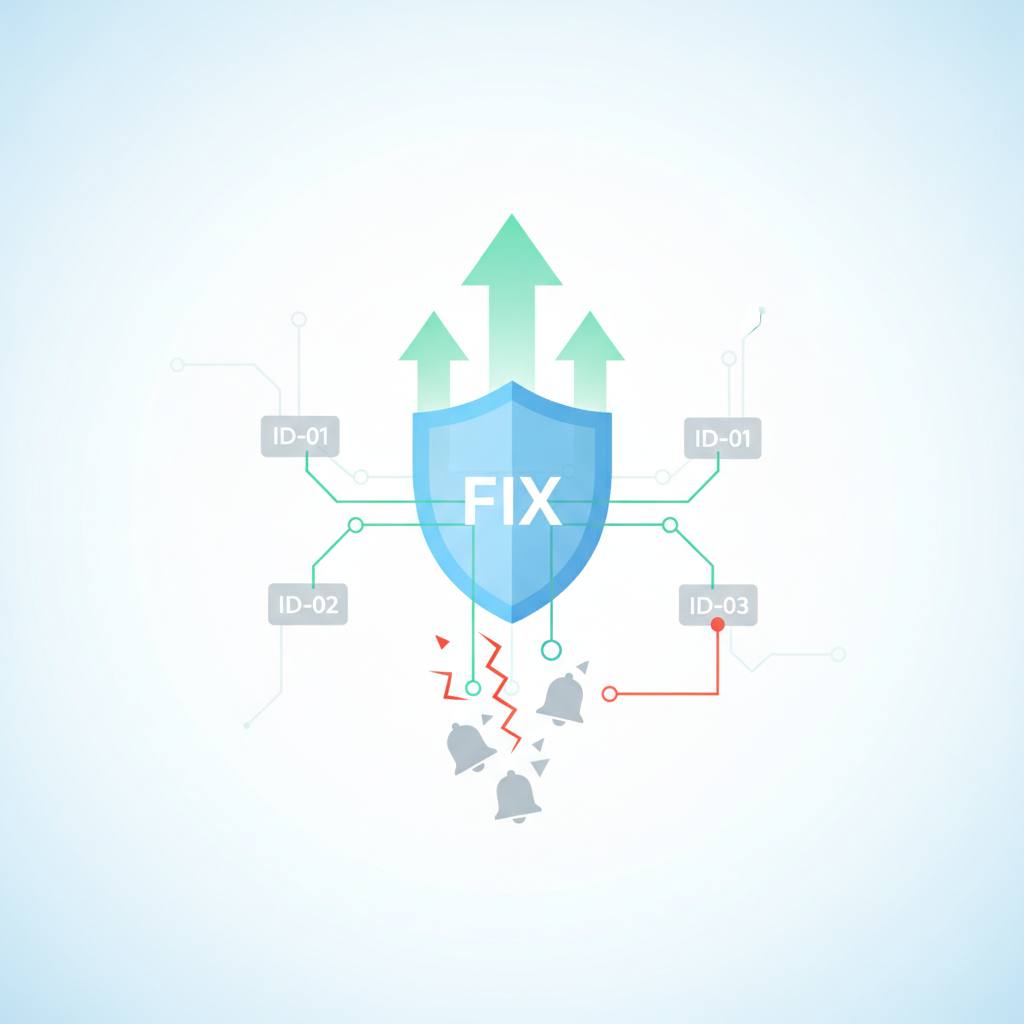
Have you ever experienced notification tests failing mysteriously in your project? Don't worry, you're not alone, and it's not because sending email is hard! Developers have discovered the real reason behind this common problem, and they now have a simple, effective fix: using 'Run IDs'. This means that for every notification test, there's a unique identifier that follows it everywhere, making things crystal clear. What does this mean for you? Well, if you're a developer or manage systems, you'll know that notification tests (whether for email, Slack alerts, SMS messages, or anything else) can be frustrating. These tests often fail because the workflow lacks a single, clear identity for a particular run. This can lead to overlapping events, delayed retries, and confusion over which message belongs to which execution. Some used to think that adding more waits would fix the problem, but this usually made things slower and more complicated. The solution is remarkably straightforward: every notification test should get a unique 'run ID'. Every part of the workflow *must* carry this ID with it. If a component cannot surface that ID, it's a sign of a design flaw. This might sound a bit strict, but it saves a lot of headaches later. The idea is to generate one run ID at the start of the workflow, and include it everywhere possible — like in an email alias, payload metadata, or both. It should also be logged in every step that can fail, and asserted against one recipient, one event, and one expected message count. Once you do that, debugging becomes much easier and far less hand-wavy. Instead of asking 'did the system send something?', you ask 'what happened for run abc123?' That question is much easier to answer. This approach works great not just for email, but also for Slack alerts, webhook callbacks, and SMS checks. It's a simple but powerful way to ensure your tests behave as expected, saving you time and effort in CI, preview environments, and support tooling.