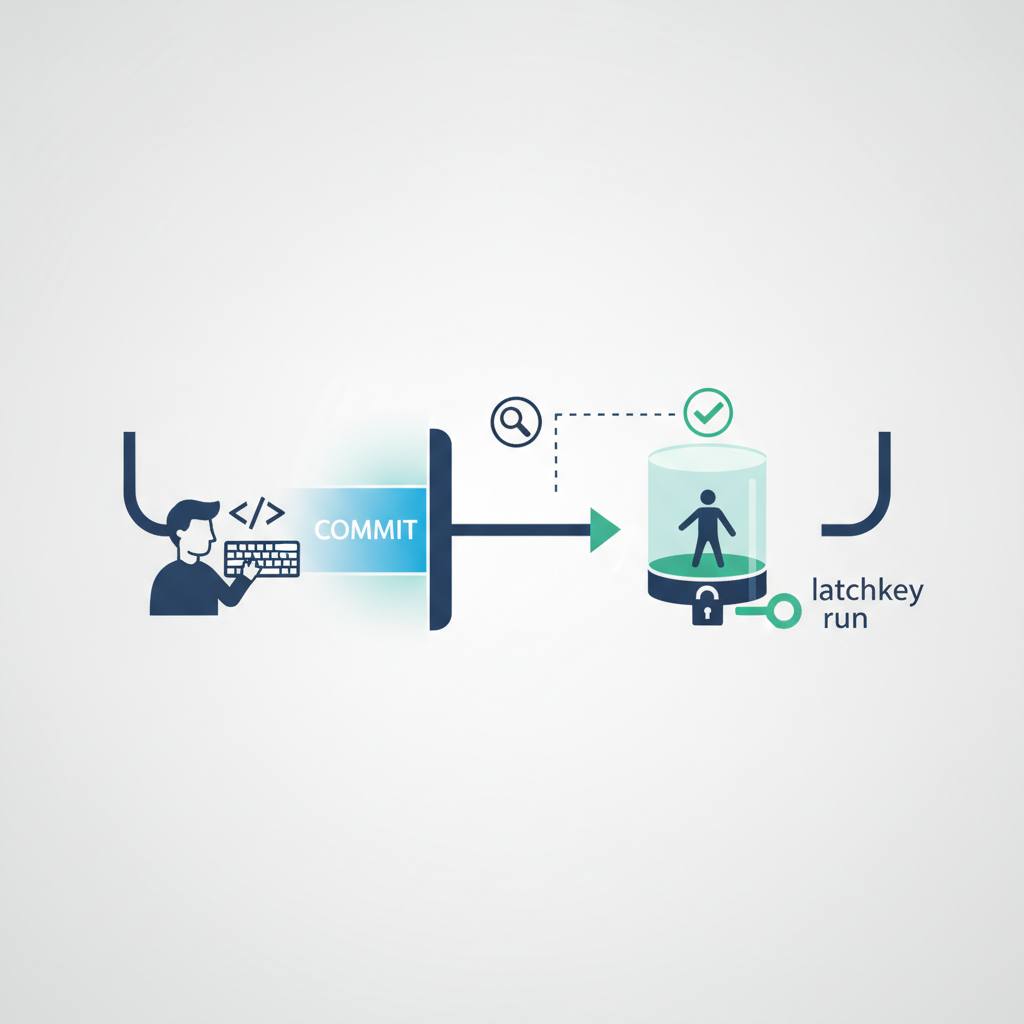
Forget endless CI loops! There's a new tool called «latchkey run» that lets developers test their code on a clean, remote Ubuntu machine right from their terminal, saving time and keeping their project history tidy.
Hey fellow developers! Ever hit that 'commit, push, wait for CI' loop just to see if a small change breaks something? It’s frustrating, right? And it clutters your commit history with ‘fix CI’ messages. Well, good news: there's a neat new tool called «latchkey run» that tackles this head-on.
«latchkey run» lets you execute any command on a completely fresh, remote Ubuntu machine. Think of it as a quick, personal CI check that happens *before* you commit. Here's how it works: you run «latchkey run» from your current project directory. It quickly packages up your local files, uploads them securely, then spins up a clean Ubuntu environment. Your specified command runs there, and you get a live stream of the logs directly in your terminal. When it’s done, it exits with the command's own status code, just like a local run. This whole process gives you an immediate answer to 'does this pass in CI?' without actually touching your main CI pipeline or creating a temporary commit.
Why is this a big deal? The usual way involves committing your changes, pushing them to a branch, and then waiting minutes (or longer!) for your GitHub Actions or other CI pipeline to run. If it fails, you fix it, commit again, and repeat. This creates unnecessary commits and slows down your development flow. «latchkey run» breaks this cycle by offering a five-stage, single-run solution that’s fast and efficient.
Setting it up is straightforward. It’s an npm package, so if you have Node 20.18.1 or newer, you can install «@latchkeydev/cli» globally. You’ll need an API key from your Latchkey dashboard with «jobs:run» scope, which you can log in with «latchkey login» or set as an environment variable («LATCHKEY_TOKEN»). The best part? If your API key is bad, it fails *before* uploading your code or using compute resources.
So, for faster feedback, cleaner commit history, and a more efficient development workflow, «latchkey run» is definitely worth checking out. It brings that CI verdict right to your terminal, when you need it most.
«latchkey run» lets you execute any command on a completely fresh, remote Ubuntu machine. Think of it as a quick, personal CI check that happens *before* you commit. Here's how it works: you run «latchkey run» from your current project directory. It quickly packages up your local files, uploads them securely, then spins up a clean Ubuntu environment. Your specified command runs there, and you get a live stream of the logs directly in your terminal. When it’s done, it exits with the command's own status code, just like a local run. This whole process gives you an immediate answer to 'does this pass in CI?' without actually touching your main CI pipeline or creating a temporary commit.
Why is this a big deal? The usual way involves committing your changes, pushing them to a branch, and then waiting minutes (or longer!) for your GitHub Actions or other CI pipeline to run. If it fails, you fix it, commit again, and repeat. This creates unnecessary commits and slows down your development flow. «latchkey run» breaks this cycle by offering a five-stage, single-run solution that’s fast and efficient.
Setting it up is straightforward. It’s an npm package, so if you have Node 20.18.1 or newer, you can install «@latchkeydev/cli» globally. You’ll need an API key from your Latchkey dashboard with «jobs:run» scope, which you can log in with «latchkey login» or set as an environment variable («LATCHKEY_TOKEN»). The best part? If your API key is bad, it fails *before* uploading your code or using compute resources.
So, for faster feedback, cleaner commit history, and a more efficient development workflow, «latchkey run» is definitely worth checking out. It brings that CI verdict right to your terminal, when you need it most.