When compressing videos, you often choose between keeping a certain quality or targeting a specific file size. New tests show these two methods are not the same and give different results depending on your video clip.
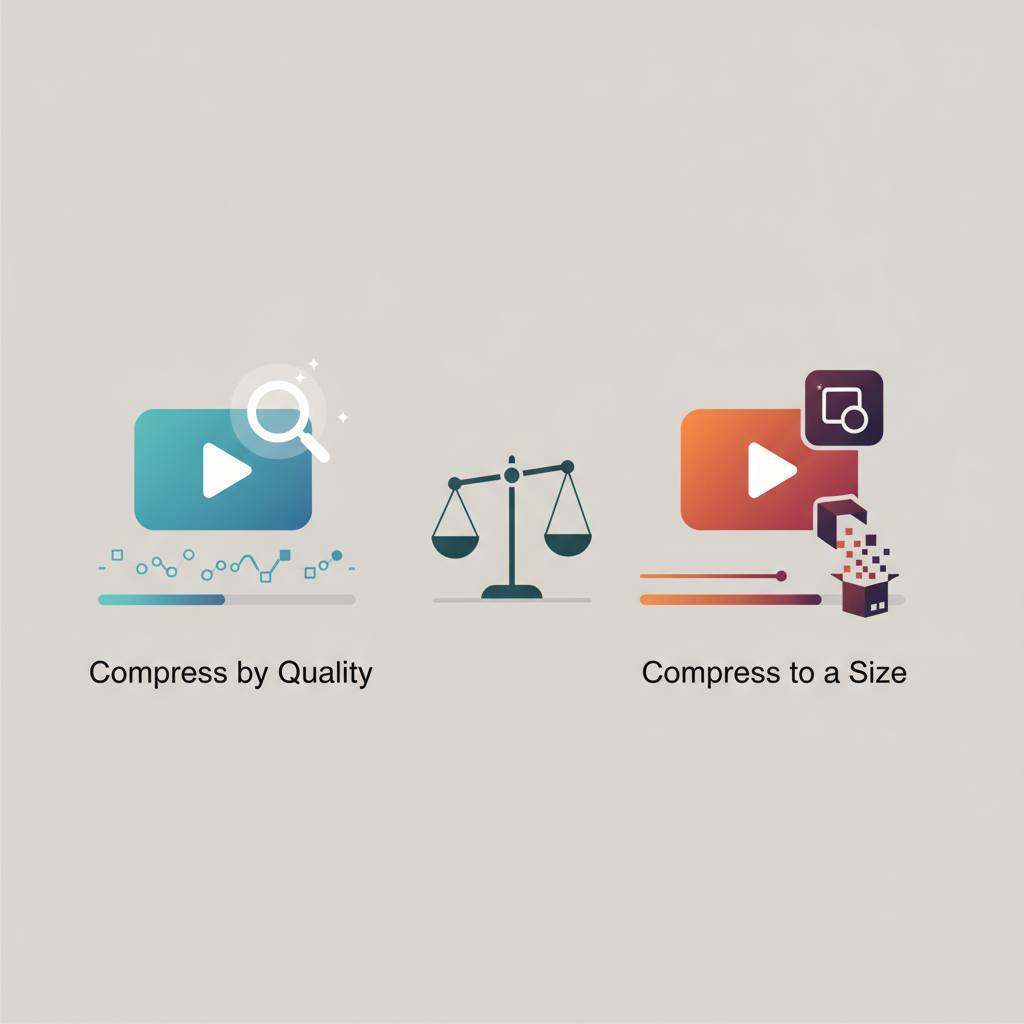
Do you think compressing a video to maintain a specific quality is the same as compressing it to a target file size? Well, a new study has shown that this isn't quite true, and misunderstanding this point could change how you approach your video projects. This means your choice between «compress by quality» (like using a CRF number) or «compress to a size» (like 20 MB) has a big impact on the final outcome, and you need to know when to use each.
Tests performed on several 1080p video clips revealed that choosing to «keep this quality» can produce vastly different file sizes for different clips, even when using the exact same quality setting. For instance, at CRF 23, one video clip resulted in a 15.1 MB file, while another came out at 30.2 MB. This means you get a largely consistent visual quality, but the final file size depends heavily on the complexity of the original video itself. Videos with more detail or fast action will naturally require more space to maintain the same quality compared to simpler footage.
On the other hand, if you choose to «make it this size», you will consistently get the exact file size you requested, but the visual quality can vary significantly from one clip to another. For example, targeting 20 MB for two clips resulted in identical file sizes, but their visual quality differed noticeably (as measured by SSIM). This option is very useful when you are constrained by a specific file size limit, such as sending an email attachment or uploading to a platform with strict size caps.
So, how do you choose? If your goal is to ensure a consistent, high-quality look across all your videos, without too much concern for the final file sizes, then opt for «compress by quality». However, if it's paramount that your file size doesn't exceed a certain limit, even if visual quality varies a bit between clips, then you should choose «compress to a size». These findings come from detailed tests using the VidSmaller tool and Blender video clips, highlighting the importance of understanding these nuances to make the best decisions for your video compression needs.
Tests performed on several 1080p video clips revealed that choosing to «keep this quality» can produce vastly different file sizes for different clips, even when using the exact same quality setting. For instance, at CRF 23, one video clip resulted in a 15.1 MB file, while another came out at 30.2 MB. This means you get a largely consistent visual quality, but the final file size depends heavily on the complexity of the original video itself. Videos with more detail or fast action will naturally require more space to maintain the same quality compared to simpler footage.
On the other hand, if you choose to «make it this size», you will consistently get the exact file size you requested, but the visual quality can vary significantly from one clip to another. For example, targeting 20 MB for two clips resulted in identical file sizes, but their visual quality differed noticeably (as measured by SSIM). This option is very useful when you are constrained by a specific file size limit, such as sending an email attachment or uploading to a platform with strict size caps.
So, how do you choose? If your goal is to ensure a consistent, high-quality look across all your videos, without too much concern for the final file sizes, then opt for «compress by quality». However, if it's paramount that your file size doesn't exceed a certain limit, even if visual quality varies a bit between clips, then you should choose «compress to a size». These findings come from detailed tests using the VidSmaller tool and Blender video clips, highlighting the importance of understanding these nuances to make the best decisions for your video compression needs.