Do you lose hours on YouTube despite intending to watch just a short video? Discover why YouTube's built-in reminders fall short and what truly effective solution exists on your iPhone.
Have you ever opened YouTube for a quick, twelve-minute video, only to find yourself forty-five minutes later deep into endless Shorts, with your original task still undone? It's a common dilemma, and the truth is, a truly effective time limit for YouTube on your iPhone isn't as straightforward as you might hope from the app itself.
YouTube does offer some seemingly helpful nudges, like 'Remind me to take a break' and 'Remind me when it's bedtime', along with a 'Shorts feed limit'. These options are designed to pause your video or remind you at a specific time. However, the catch is that they are just reminders. With a single tap, you can easily dismiss the notification and continue watching without any real restriction. This means YouTube doesn't actually have a feature that strictly locks you out of the app after a daily time limit has been reached.
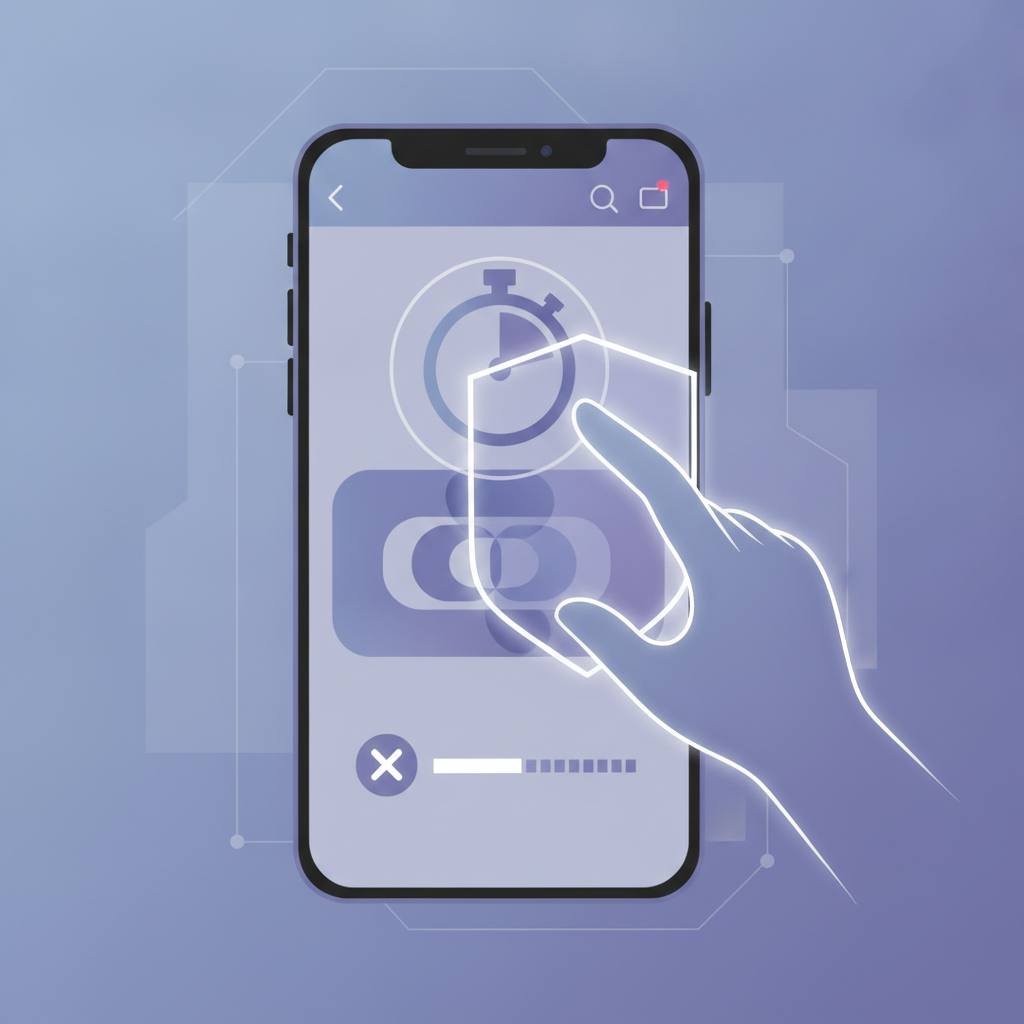
If you genuinely want to stop yourself from endlessly scrolling on YouTube after a set period, the enforcement needs to come from your iPhone's settings. The key lies in your iPhone's 'Screen Time' feature. Through Screen Time, you can set app limits for specific applications. The most crucial step is to enable the option that 'blocks the app after the limit expires,' which will completely stop the app once your time is up.
For this block to be truly effective, it needs to be linked to a passcode that you yourself don't know, but rather someone else does (like a trusted friend or family member). This way, you can't simply bypass the limit on your own. This is especially important for those who struggle with self-discipline when it comes to screen time.
It's worth noting that alternative apps exist, such as 'minulo' developed by Ayumu Kitabayashi, which opens YouTube, Instagram, and TikTok without the distracting Shorts, Reels, and similar feeds. However, for a hard time limit that truly prevents you from using the app, your iPhone's 'Screen Time' combined with a shared passcode is your best bet. Remember, the goal is to regain control over your time and avoid the trap of infinite scrolling.
YouTube does offer some seemingly helpful nudges, like 'Remind me to take a break' and 'Remind me when it's bedtime', along with a 'Shorts feed limit'. These options are designed to pause your video or remind you at a specific time. However, the catch is that they are just reminders. With a single tap, you can easily dismiss the notification and continue watching without any real restriction. This means YouTube doesn't actually have a feature that strictly locks you out of the app after a daily time limit has been reached.
If you genuinely want to stop yourself from endlessly scrolling on YouTube after a set period, the enforcement needs to come from your iPhone's settings. The key lies in your iPhone's 'Screen Time' feature. Through Screen Time, you can set app limits for specific applications. The most crucial step is to enable the option that 'blocks the app after the limit expires,' which will completely stop the app once your time is up.
For this block to be truly effective, it needs to be linked to a passcode that you yourself don't know, but rather someone else does (like a trusted friend or family member). This way, you can't simply bypass the limit on your own. This is especially important for those who struggle with self-discipline when it comes to screen time.
It's worth noting that alternative apps exist, such as 'minulo' developed by Ayumu Kitabayashi, which opens YouTube, Instagram, and TikTok without the distracting Shorts, Reels, and similar feeds. However, for a hard time limit that truly prevents you from using the app, your iPhone's 'Screen Time' combined with a shared passcode is your best bet. Remember, the goal is to regain control over your time and avoid the trap of infinite scrolling.