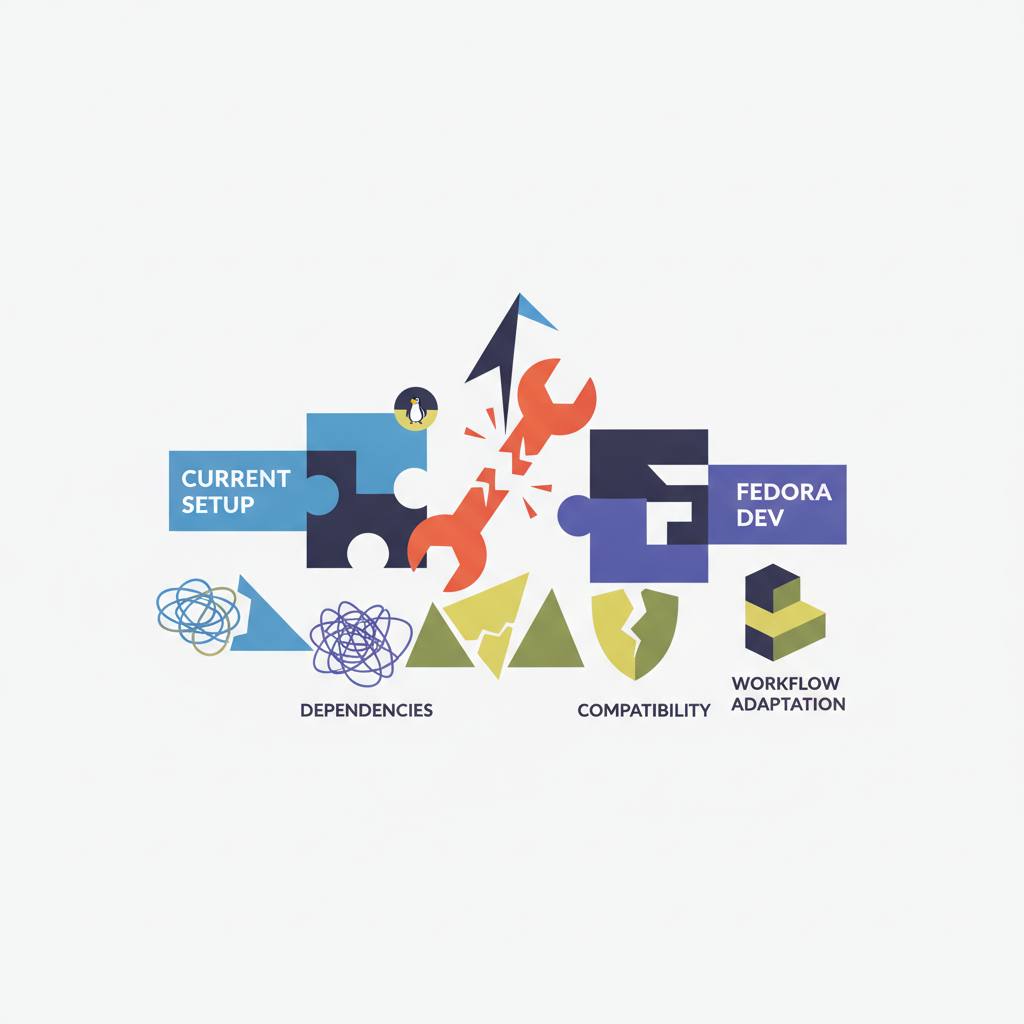
When moving your development environment from Windows to Fedora, you might be surprised by some key differences, like C/C++ compilers not being pre-installed and massive system updates right after initial setup. This means you’ll need to prepare for some extra configuration for your workspace.
Moving your primary development environment from Windows to a Linux distribution like Fedora can sound exciting, promising superior performance and complete environment control. But real-world transitions rarely follow clean tutorials. This means you'll encounter some subtle platform discrepancies you should be aware of upfront for a smoother experience.
One of the most notable points concerns C/C++ compilers. On Windows, you're accustomed to installing hefty standalone installers like MinGW or MSVC to set up your C/C++ compilers. When you switch to Fedora, you might expect these tools to be included by default as part of the base installation. However, if you run a command like 'g++ --version' on a fresh Fedora Workstation install, you'll likely be greeted with 'command not found'. This is because Fedora considers compilers developer tools, not end-user essentials, unlike Python which comes pre-installed because core OS components rely on it.
Luckily, Fedora makes it quite easy to get up and running. The system will often even suggest installing the 'gcc-c++' package, which provides the 'g++' command. To install the native modern toolchain cleanly without interactive prompts, you can use the following command in your terminal: 'sudo dnf install -y gcc-c++ make gdb'. Alternatively, if you prefer a more comprehensive setup, you can pull the entire development group with: 'sudo dnf groupinstall -y "Development Tools"'.
Another common shock for new Linux users is the sheer size of updates after initially installing the operating system. You might install the OS from an official image on day one, then run an update on day two, only to be greeted by a massive transaction list of packages. It's not uncommon to see the total size of inbound packages reach 1 GiB to download, potentially leading to 3 GiB extra being used (installing 3 GiB, removing 3 GiB). This happens because distribution ISOs are static snapshots when they are released, and subsequent updates gather all the changes and patches that have been issued since that image was created.
Knowing these specific points will make your transition to Fedora for software development much smoother, helping you avoid unexpected bumps along the way.
One of the most notable points concerns C/C++ compilers. On Windows, you're accustomed to installing hefty standalone installers like MinGW or MSVC to set up your C/C++ compilers. When you switch to Fedora, you might expect these tools to be included by default as part of the base installation. However, if you run a command like 'g++ --version' on a fresh Fedora Workstation install, you'll likely be greeted with 'command not found'. This is because Fedora considers compilers developer tools, not end-user essentials, unlike Python which comes pre-installed because core OS components rely on it.
Luckily, Fedora makes it quite easy to get up and running. The system will often even suggest installing the 'gcc-c++' package, which provides the 'g++' command. To install the native modern toolchain cleanly without interactive prompts, you can use the following command in your terminal: 'sudo dnf install -y gcc-c++ make gdb'. Alternatively, if you prefer a more comprehensive setup, you can pull the entire development group with: 'sudo dnf groupinstall -y "Development Tools"'.
Another common shock for new Linux users is the sheer size of updates after initially installing the operating system. You might install the OS from an official image on day one, then run an update on day two, only to be greeted by a massive transaction list of packages. It's not uncommon to see the total size of inbound packages reach 1 GiB to download, potentially leading to 3 GiB extra being used (installing 3 GiB, removing 3 GiB). This happens because distribution ISOs are static snapshots when they are released, and subsequent updates gather all the changes and patches that have been issued since that image was created.
Knowing these specific points will make your transition to Fedora for software development much smoother, helping you avoid unexpected bumps along the way.