Ever struggled with complex, hard-to-change Flutter code? Discover how the simple idea of LEGO bricks can help you structure your code, making it easier to understand and maintain.
We've all encountered those intimidating code files, right? The kind where the whole team secretly dreads opening them. Maybe it's a `build()` method that's responsible for fetching data, formatting it, validating it, and then drawing the entire screen—all in one place! It might even 'work,' which is why no one wants to touch it. But then, when you need to fix a tiny payment step, you have to scroll past three unrelated features just to find the single line you need to change. Sound familiar?
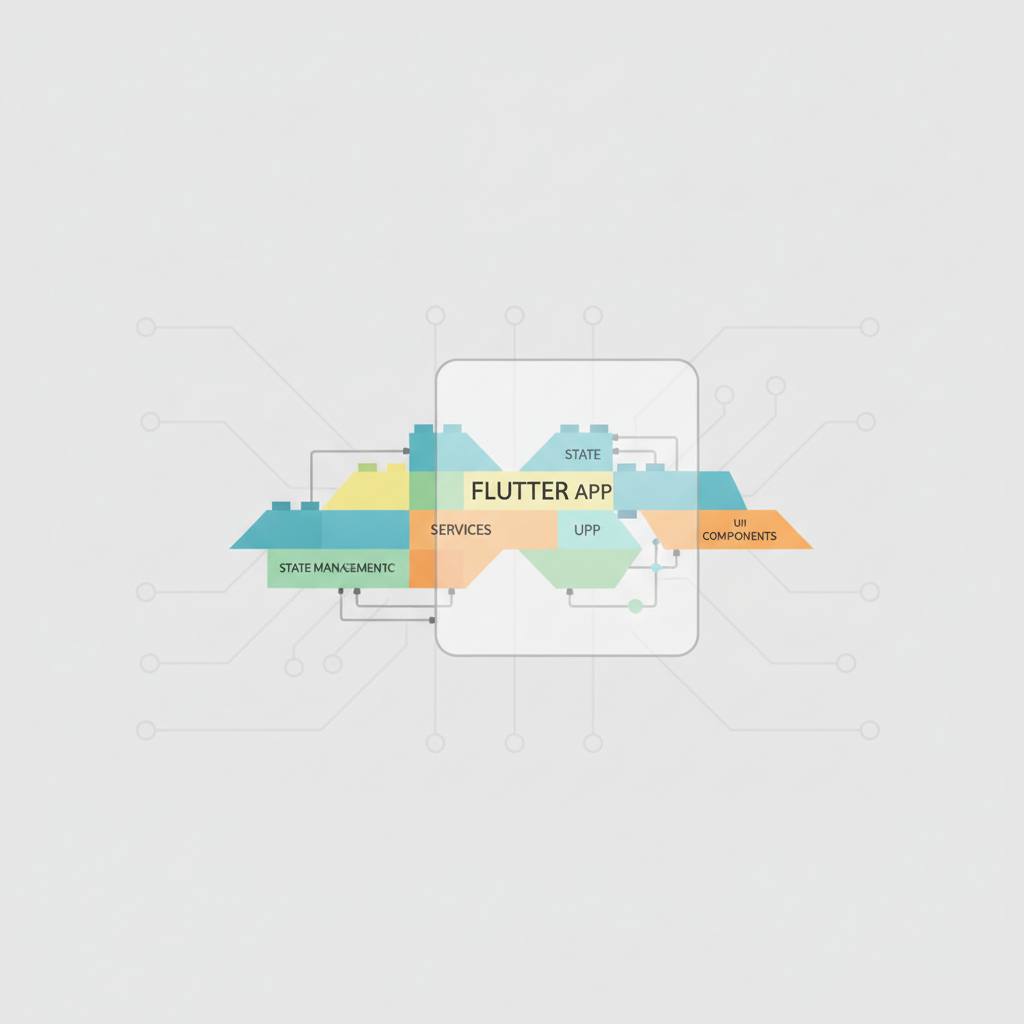
Well, what if you could organize your Flutter code like LEGO bricks? That's the brilliant idea discussed by Atuoha Anthony in a recent in-depth article. He starts with a simple, familiar image: clicking two LEGO bricks together. 'You press one stud onto another, feel that satisfying click, and it holds,' he explains. 'You probably never think about how the brick was molded, what plastic it's made from, or which factory it came from. You're only focused on one thing: do the studs align?' That's the essence of the concept for your code.
A LEGO brick has two key parts: what it *is* (its shape, color, purpose) and its *studs* (the standard connection points that let it link with other pieces). In coding, your 'bricks' are the independent units of your app—a widget, a class, a service, or even an entire feature. The 'studs' are the contracts or promises that your code unit offers to the outside world. These are typically abstract classes, interfaces, or function signatures.
The powerful takeaway is this: 'Connecting two bricks in code means one part of your app relies on another *only* through that contract, not by reaching in and using the way the other part was built internally.' Consider the `Padding` widget you use every day. `Padding` is a perfect 'brick.' It does just one thing, and it doesn't care what you send it as a `child`—whether it's `Text`, `Image`, or a `Column`. Its `child` parameter is its 'stud.' You never teach `Padding` how to draw text or an image, and it doesn't need to know. This approach makes your code much cleaner, more modular, and way less daunting to maintain. It makes debugging easier and collaborating with your team a breeze.
Well, what if you could organize your Flutter code like LEGO bricks? That's the brilliant idea discussed by Atuoha Anthony in a recent in-depth article. He starts with a simple, familiar image: clicking two LEGO bricks together. 'You press one stud onto another, feel that satisfying click, and it holds,' he explains. 'You probably never think about how the brick was molded, what plastic it's made from, or which factory it came from. You're only focused on one thing: do the studs align?' That's the essence of the concept for your code.
A LEGO brick has two key parts: what it *is* (its shape, color, purpose) and its *studs* (the standard connection points that let it link with other pieces). In coding, your 'bricks' are the independent units of your app—a widget, a class, a service, or even an entire feature. The 'studs' are the contracts or promises that your code unit offers to the outside world. These are typically abstract classes, interfaces, or function signatures.
The powerful takeaway is this: 'Connecting two bricks in code means one part of your app relies on another *only* through that contract, not by reaching in and using the way the other part was built internally.' Consider the `Padding` widget you use every day. `Padding` is a perfect 'brick.' It does just one thing, and it doesn't care what you send it as a `child`—whether it's `Text`, `Image`, or a `Column`. Its `child` parameter is its 'stud.' You never teach `Padding` how to draw text or an image, and it doesn't need to know. This approach makes your code much cleaner, more modular, and way less daunting to maintain. It makes debugging easier and collaborating with your team a breeze.