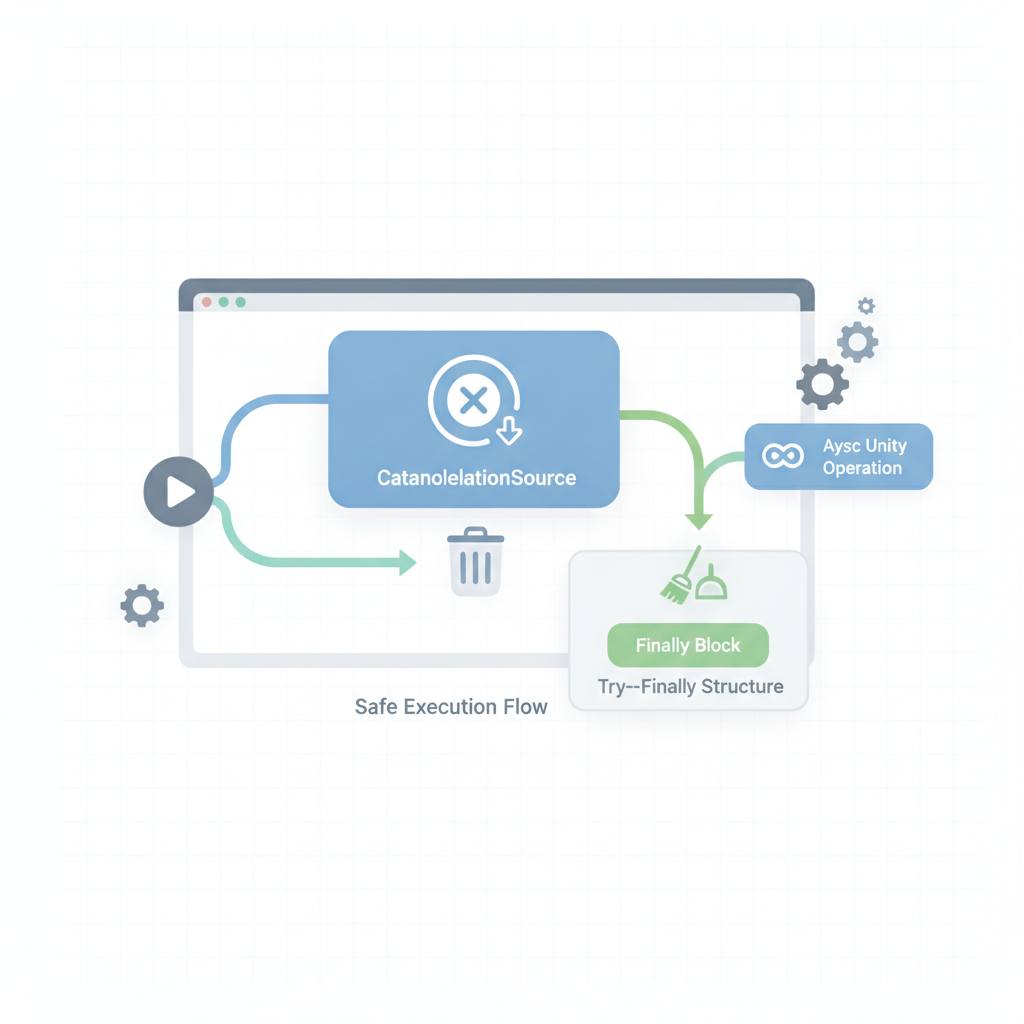
Working with `CancellationTokenSource` in async Unity code can be tricky, often leading to errors if `Cancel()` and `Dispose()` aren't managed correctly. A new helper class offers a safe way to handle these common pitfalls, preventing issues like `ObjectDisposedException`.
If you're writing asynchronous code in Unity, especially for tasks like loading data, networking, or screen transitions, you've likely used `CancellationTokenSource`. But managing its `Cancel()` and `Dispose()` methods can be surprisingly tricky, often leading to unexpected errors. This means your game or app could crash or behave unpredictably.
Many developers might write `_cts?.Cancel(); _cts?.Dispose();` thinking it's safe and effective, but unfortunately, this isn't always the case. The core issue is that `Dispose()` doesn't set the object to `null`, which means calling `Cancel()` again on an already disposed object can throw a nasty `ObjectDisposedException`. This can happen if your cancellation logic is triggered multiple times, putting your application's stability at risk.
It's crucial to understand the fundamental difference between `Cancel()` and `Dispose()`. `Cancel()` simply sends a *request* for cancellation to code that has received the `CancellationToken`. It doesn't instantly stop any running operation; rather, the callee must actively check the token or pass it to an API that supports cancellation. `Dispose()`, on the other hand, is not a cancellation request at all. Instead, it releases internal resources held by `CancellationTokenSource`, which is vital for preventing memory leaks. Both are necessary, but using them blindly can lead to problems.
The good news is there's a better way to handle this challenge. A recent article highlights a small helper class designed to safely manage `CancellationTokenSource`. This helper ensures that resources are properly released and prevents common pitfalls, especially when using methods like `CancelAfter()` or `CreateLinkedTokenSource()`. By using such a helper class, you can write more robust and stable async code in Unity, avoiding crashes and making your development process smoother and more reliable.
Many developers might write `_cts?.Cancel(); _cts?.Dispose();` thinking it's safe and effective, but unfortunately, this isn't always the case. The core issue is that `Dispose()` doesn't set the object to `null`, which means calling `Cancel()` again on an already disposed object can throw a nasty `ObjectDisposedException`. This can happen if your cancellation logic is triggered multiple times, putting your application's stability at risk.
It's crucial to understand the fundamental difference between `Cancel()` and `Dispose()`. `Cancel()` simply sends a *request* for cancellation to code that has received the `CancellationToken`. It doesn't instantly stop any running operation; rather, the callee must actively check the token or pass it to an API that supports cancellation. `Dispose()`, on the other hand, is not a cancellation request at all. Instead, it releases internal resources held by `CancellationTokenSource`, which is vital for preventing memory leaks. Both are necessary, but using them blindly can lead to problems.
The good news is there's a better way to handle this challenge. A recent article highlights a small helper class designed to safely manage `CancellationTokenSource`. This helper ensures that resources are properly released and prevents common pitfalls, especially when using methods like `CancelAfter()` or `CreateLinkedTokenSource()`. By using such a helper class, you can write more robust and stable async code in Unity, avoiding crashes and making your development process smoother and more reliable.