Ever wonder why your tiny Raspberry Pi computer sometimes misbehaves? It often comes down to its 'brain' — the SD card. Learn what this crucial component does and why keeping it healthy is key to a happy Pi.
Hey midnight builders! Have you ever spent hours on an exciting project with your Raspberry Pi, only for it to suddenly start throwing a 'tantrum'? Just like the 'Midnight Rescue' scenario we heard about from a hackathon, where a Raspberry Pi refuses to cooperate, leaving you scratching your head. Don't worry, this is surprisingly common!
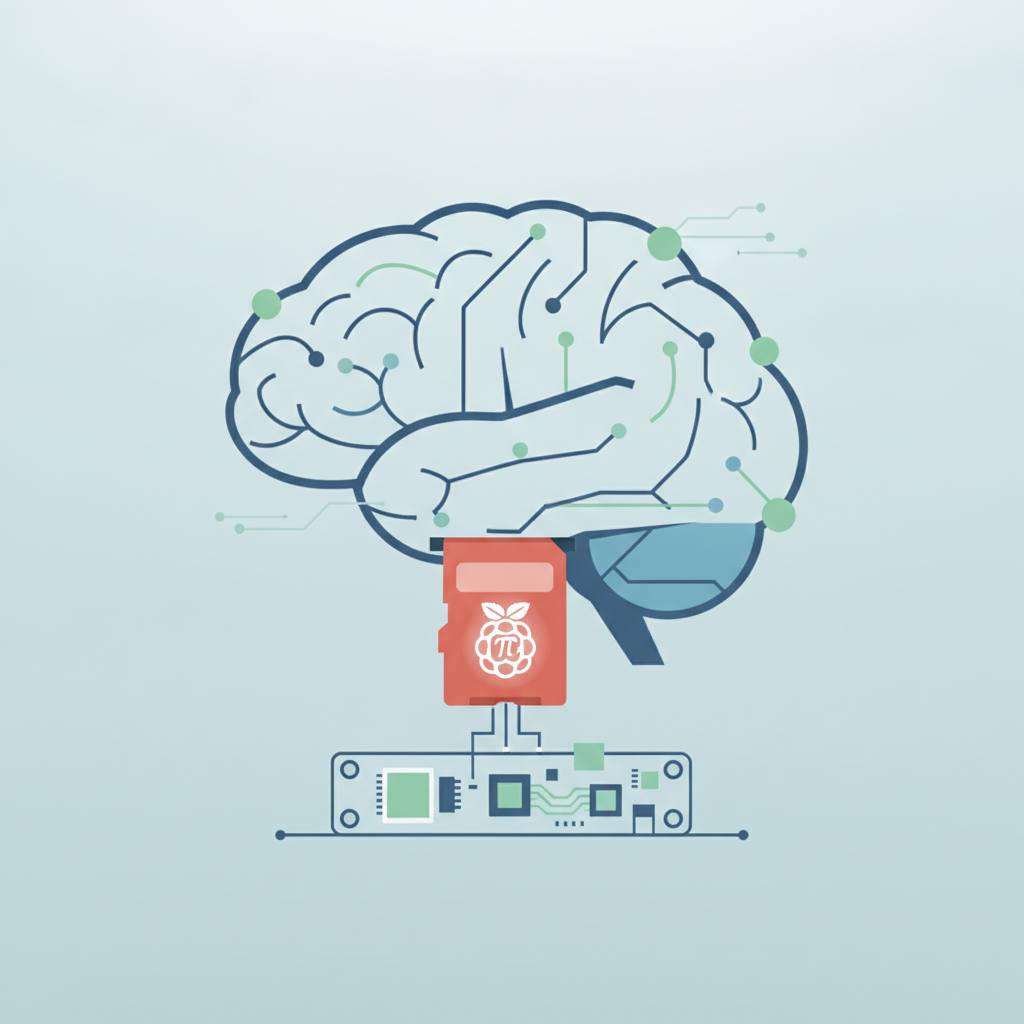
Let's break it down simply: A Raspberry Pi is a tiny, credit-card-sized computer, but it's incredibly powerful. It can do amazing things, from running robots to building smart home systems. But for this little computer to work, it needs a 'brain' and 'memory' to store its operating system (like Windows or Mac, but usually a version of Linux) and all your files and projects. This brain and memory is actually a small 'SD card,' much like the memory card you use in your phone or camera, but specifically for the Raspberry Pi.
Now, imagine this SD card is your favorite recipe book. If pages are torn, or smudged with old notes from other recipes, or even missing, would you be able to successfully cook a new dish? Probably not! This is exactly what happens when your Raspberry Pi's SD card becomes 'corrupted' or has 'ghost settings' from previous uses. The information the Raspberry Pi needs to start up and run gets scrambled or incomplete, causing it to refuse to work.
This is why 'Troubleshooting Kits' are so helpful at hackathons. They assist you in essentially 'cleaning' the SD card, or 're-imaging' it, to install a fresh, clean operating system. It's like replacing a damaged recipe book with a brand-new copy. The screen and keyboard included in such kits allow you to interact directly with your Pi, even if it can't connect to a network, letting you see exactly what's going on. Once you bring your SD card back to life, your Raspberry Pi will be running smoothly again, ready for your next project. Understanding this simple concept is the first step to becoming a Raspberry Pi pro!
Let's break it down simply: A Raspberry Pi is a tiny, credit-card-sized computer, but it's incredibly powerful. It can do amazing things, from running robots to building smart home systems. But for this little computer to work, it needs a 'brain' and 'memory' to store its operating system (like Windows or Mac, but usually a version of Linux) and all your files and projects. This brain and memory is actually a small 'SD card,' much like the memory card you use in your phone or camera, but specifically for the Raspberry Pi.
Now, imagine this SD card is your favorite recipe book. If pages are torn, or smudged with old notes from other recipes, or even missing, would you be able to successfully cook a new dish? Probably not! This is exactly what happens when your Raspberry Pi's SD card becomes 'corrupted' or has 'ghost settings' from previous uses. The information the Raspberry Pi needs to start up and run gets scrambled or incomplete, causing it to refuse to work.
This is why 'Troubleshooting Kits' are so helpful at hackathons. They assist you in essentially 'cleaning' the SD card, or 're-imaging' it, to install a fresh, clean operating system. It's like replacing a damaged recipe book with a brand-new copy. The screen and keyboard included in such kits allow you to interact directly with your Pi, even if it can't connect to a network, letting you see exactly what's going on. Once you bring your SD card back to life, your Raspberry Pi will be running smoothly again, ready for your next project. Understanding this simple concept is the first step to becoming a Raspberry Pi pro!