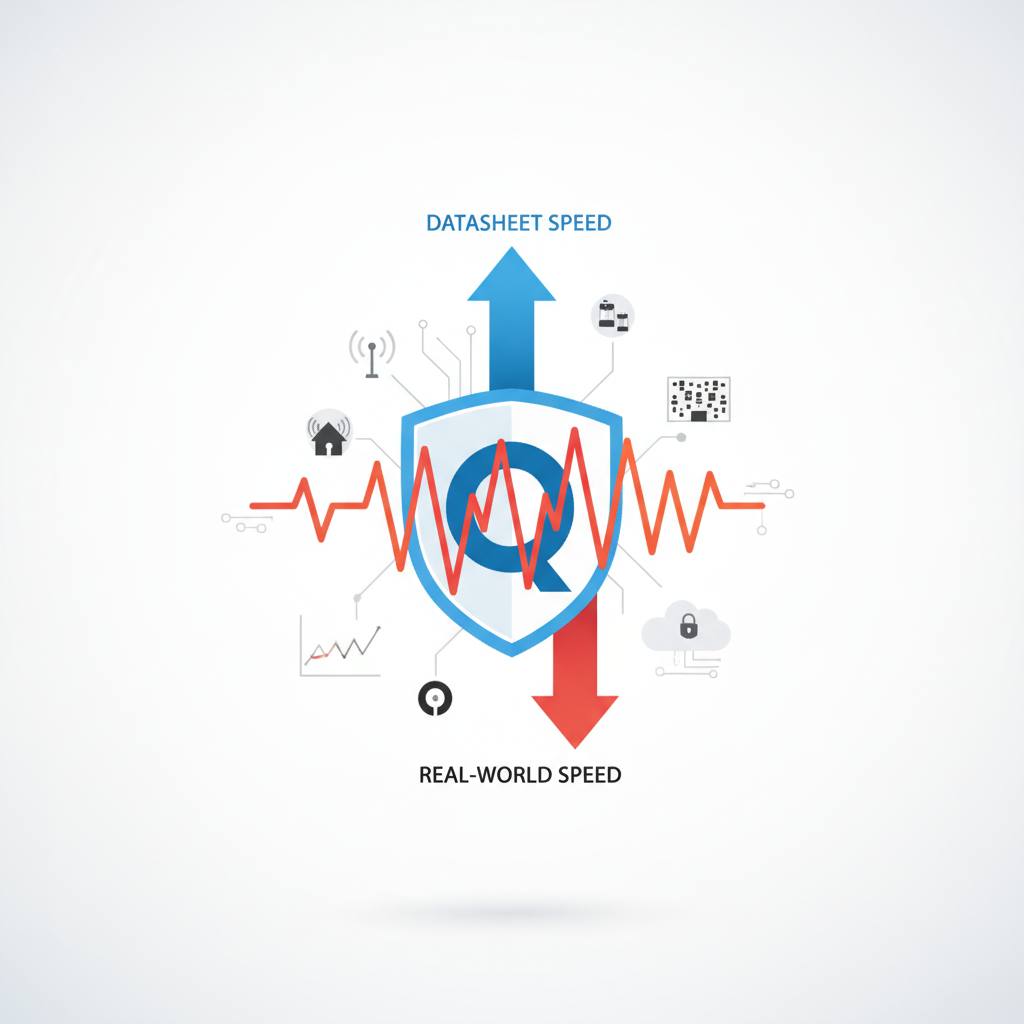
Ever wonder why your Qualcomm Wi-Fi speeds don't hit the numbers on the datasheet? It's usually not a hardware problem but rather the difference between theoretical PHY rates and real-world application throughput, influenced by many system factors.
Ever wondered why your super-fast Qualcomm Wi-Fi device doesn't quite hit those mind-blowing speeds listed on its datasheet? You're not alone, and here's what it means for you: that jaw-dropping 'up to 4.8 Gbps' figure isn't a promise of your everyday download speed. It's usually a theoretical maximum, and understanding this can save you a lot of head-scratching.
When you buy a Wi-Fi chip, like one from Qualcomm, the datasheet often advertises a really high throughput number, perhaps 4.8 Gbps. Then you test it, and maybe you get 1.2 Gbps, or even 2.4 Gbps after some tweaking. It feels like it's underperforming, right? The good news is, it's probably not.
The key thing to grasp is that the datasheet number is typically a theoretical PHY (Physical Layer) rate. Think of it as the raw capacity of the radio link under perfect, laboratory-controlled conditions. Your actual, usable Wi-Fi speed – what we call 'application throughput' – is a completely different beast.
So, where does that missing speed go? A lot of it gets eaten up by essential processes and system limitations. Imagine a pipeline: PHY Rate becomes MAC Throughput, which becomes IP Throughput, and finally, Application Throughput. At each stage, there's overhead. This includes things like:
* MAC and TCP/UDP overhead (for managing data packets)
* Encryption processes (keeping your data secure)
* Management frames and ACK traffic (the Wi-Fi network 'talking' to itself)
* Inter-frame spacing and retransmissions (ensuring reliable delivery)
* Protocol inefficiencies
* Processing by your operating system and CPU
* Limitations in your Ethernet interfaces
One of the biggest real-world factors affecting your speed is the channel bandwidth. A chipset might support a massive 160 MHz channel, but if your device only negotiates an 80 MHz channel with your router, you're effectively testing half the potential capacity. The entire wireless system plays a role: from the channel width and modulation scheme (MCS) to the number of spatial streams, the RF design, antenna configuration, and even the performance of your router's CPU and firmware.
So, next time your Qualcomm Wi-Fi isn't hitting those datasheet numbers, remember it's likely a normal part of how wireless systems operate, not necessarily a flaw in the hardware itself.
When you buy a Wi-Fi chip, like one from Qualcomm, the datasheet often advertises a really high throughput number, perhaps 4.8 Gbps. Then you test it, and maybe you get 1.2 Gbps, or even 2.4 Gbps after some tweaking. It feels like it's underperforming, right? The good news is, it's probably not.
The key thing to grasp is that the datasheet number is typically a theoretical PHY (Physical Layer) rate. Think of it as the raw capacity of the radio link under perfect, laboratory-controlled conditions. Your actual, usable Wi-Fi speed – what we call 'application throughput' – is a completely different beast.
So, where does that missing speed go? A lot of it gets eaten up by essential processes and system limitations. Imagine a pipeline: PHY Rate becomes MAC Throughput, which becomes IP Throughput, and finally, Application Throughput. At each stage, there's overhead. This includes things like:
* MAC and TCP/UDP overhead (for managing data packets)
* Encryption processes (keeping your data secure)
* Management frames and ACK traffic (the Wi-Fi network 'talking' to itself)
* Inter-frame spacing and retransmissions (ensuring reliable delivery)
* Protocol inefficiencies
* Processing by your operating system and CPU
* Limitations in your Ethernet interfaces
One of the biggest real-world factors affecting your speed is the channel bandwidth. A chipset might support a massive 160 MHz channel, but if your device only negotiates an 80 MHz channel with your router, you're effectively testing half the potential capacity. The entire wireless system plays a role: from the channel width and modulation scheme (MCS) to the number of spatial streams, the RF design, antenna configuration, and even the performance of your router's CPU and firmware.
So, next time your Qualcomm Wi-Fi isn't hitting those datasheet numbers, remember it's likely a normal part of how wireless systems operate, not necessarily a flaw in the hardware itself.