The OSI Model helps us understand how internet networks function by breaking down the complex communication process into seven simple steps, making it easier to track your data's journey.
Have you ever wondered how your emails, messages, or even this very blog post travel across the internet to reach you? A recent news item highlights the importance of understanding the OSI Model, a fundamental concept in networking that explains just that. At WondTech, we believe breaking down complex ideas makes learning exciting!
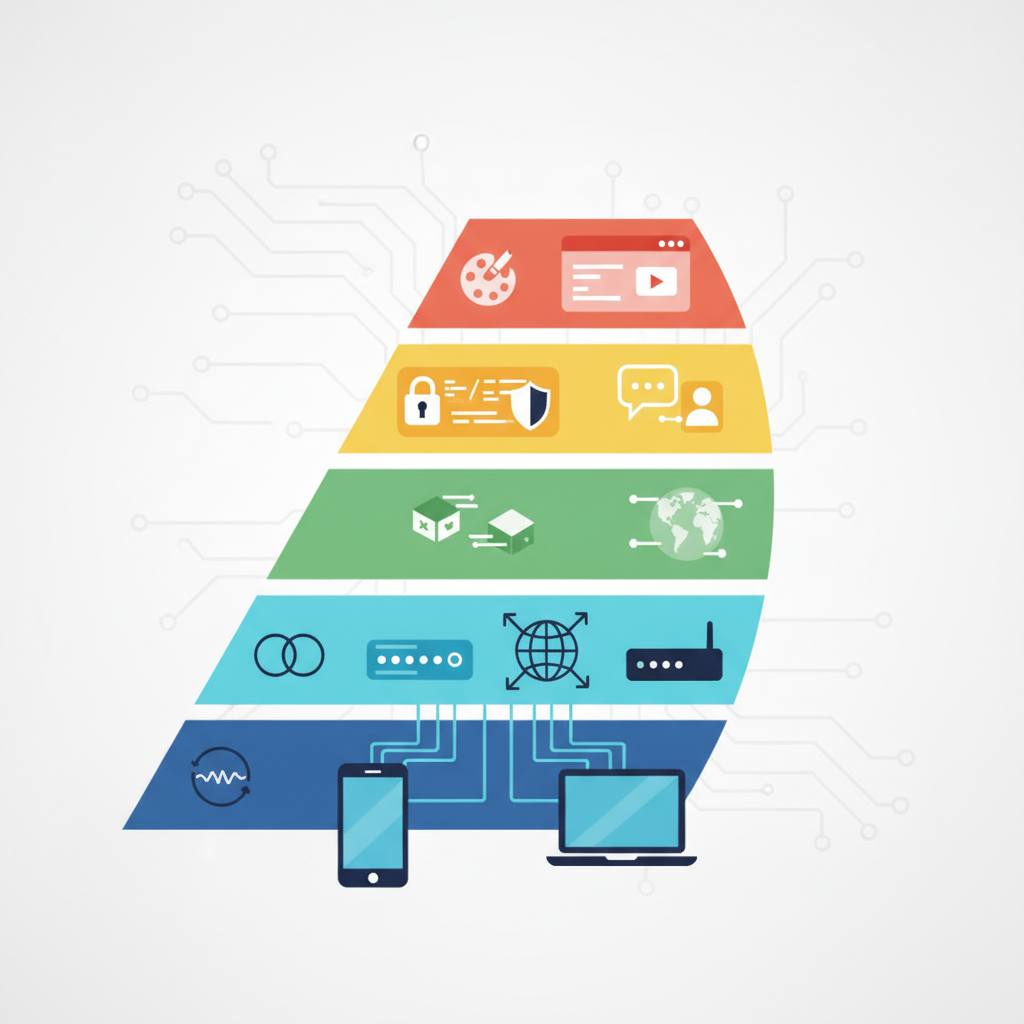
The OSI Model, or Open Systems Interconnection Model, is like a universal blueprint for how computers and devices talk to each other. Instead of seeing network communication as one big, confusing mess, it divides the process into seven distinct layers, each with a specific job. Think of it less as a rigid set of rules to memorize, and more as a helpful guide to understand why things like IP addresses, MAC addresses, and Wi-Fi all fit together.
Let's imagine you're sending a physical package across the world. The journey involves many steps, right? The OSI Model helps us understand these steps for digital data. We'll focus on the first four layers, which are crucial for getting your data moving:
1. **Layer 1: The Physical Layer (The Road/Delivery Vehicle)**
This is all about the actual physical stuff that carries your data: the Ethernet cables, fiber optic lines, or Wi-Fi radio waves. Its job is simply to move raw 'bits' — the 0s and 1s that make up all digital information — from one device to another. It's the highway itself.
2. **Layer 2: The Data Link Layer (Local Delivery Route & Rules)**
Once your data is on the 'road,' this layer organizes those raw bits into manageable chunks called 'frames.' It handles local addressing (like MAC addresses on your network card) and ensures the data travels smoothly and without errors across a single, local link. It's like the local postal service ensuring the package gets safely from one sorting office to another within a town.
3. **Layer 3: The Network Layer (The GPS & National Postal Service)**
This layer is all about getting your data across different networks, not just locally. It uses IP addresses (like unique street addresses for every device on the internet) to figure out the best path, or 'route,' for your data to travel. Routers, which you might have at home, are key players here, directing traffic across the vast internet.
4. **Layer 4: The Transport Layer (The Package Tracking & Integrity Check)**
Finally, this layer ensures that your entire message or file arrives at its destination complete and in the correct order. It breaks your data into smaller 'segments' for easier travel and reassembles them at the other end. It also ensures data goes to the correct application on the receiving device, using 'ports' (like apartment numbers within a building). Protocols like TCP and UDP operate here, making sure your digital package is delivered reliably, or quickly, depending on the need.
Understanding these layers helps us appreciate the incredible journey your data takes every second, making troubleshooting and designing networks much clearer!
The OSI Model, or Open Systems Interconnection Model, is like a universal blueprint for how computers and devices talk to each other. Instead of seeing network communication as one big, confusing mess, it divides the process into seven distinct layers, each with a specific job. Think of it less as a rigid set of rules to memorize, and more as a helpful guide to understand why things like IP addresses, MAC addresses, and Wi-Fi all fit together.
Let's imagine you're sending a physical package across the world. The journey involves many steps, right? The OSI Model helps us understand these steps for digital data. We'll focus on the first four layers, which are crucial for getting your data moving:
1. **Layer 1: The Physical Layer (The Road/Delivery Vehicle)**
This is all about the actual physical stuff that carries your data: the Ethernet cables, fiber optic lines, or Wi-Fi radio waves. Its job is simply to move raw 'bits' — the 0s and 1s that make up all digital information — from one device to another. It's the highway itself.
2. **Layer 2: The Data Link Layer (Local Delivery Route & Rules)**
Once your data is on the 'road,' this layer organizes those raw bits into manageable chunks called 'frames.' It handles local addressing (like MAC addresses on your network card) and ensures the data travels smoothly and without errors across a single, local link. It's like the local postal service ensuring the package gets safely from one sorting office to another within a town.
3. **Layer 3: The Network Layer (The GPS & National Postal Service)**
This layer is all about getting your data across different networks, not just locally. It uses IP addresses (like unique street addresses for every device on the internet) to figure out the best path, or 'route,' for your data to travel. Routers, which you might have at home, are key players here, directing traffic across the vast internet.
4. **Layer 4: The Transport Layer (The Package Tracking & Integrity Check)**
Finally, this layer ensures that your entire message or file arrives at its destination complete and in the correct order. It breaks your data into smaller 'segments' for easier travel and reassembles them at the other end. It also ensures data goes to the correct application on the receiving device, using 'ports' (like apartment numbers within a building). Protocols like TCP and UDP operate here, making sure your digital package is delivered reliably, or quickly, depending on the need.
Understanding these layers helps us appreciate the incredible journey your data takes every second, making troubleshooting and designing networks much clearer!