Modern AI coding agents are complex systems that follow a specific workflow. When they make mistakes, simply changing your request often isn't enough; you need to understand their internal thought process to fix the problem effectively.
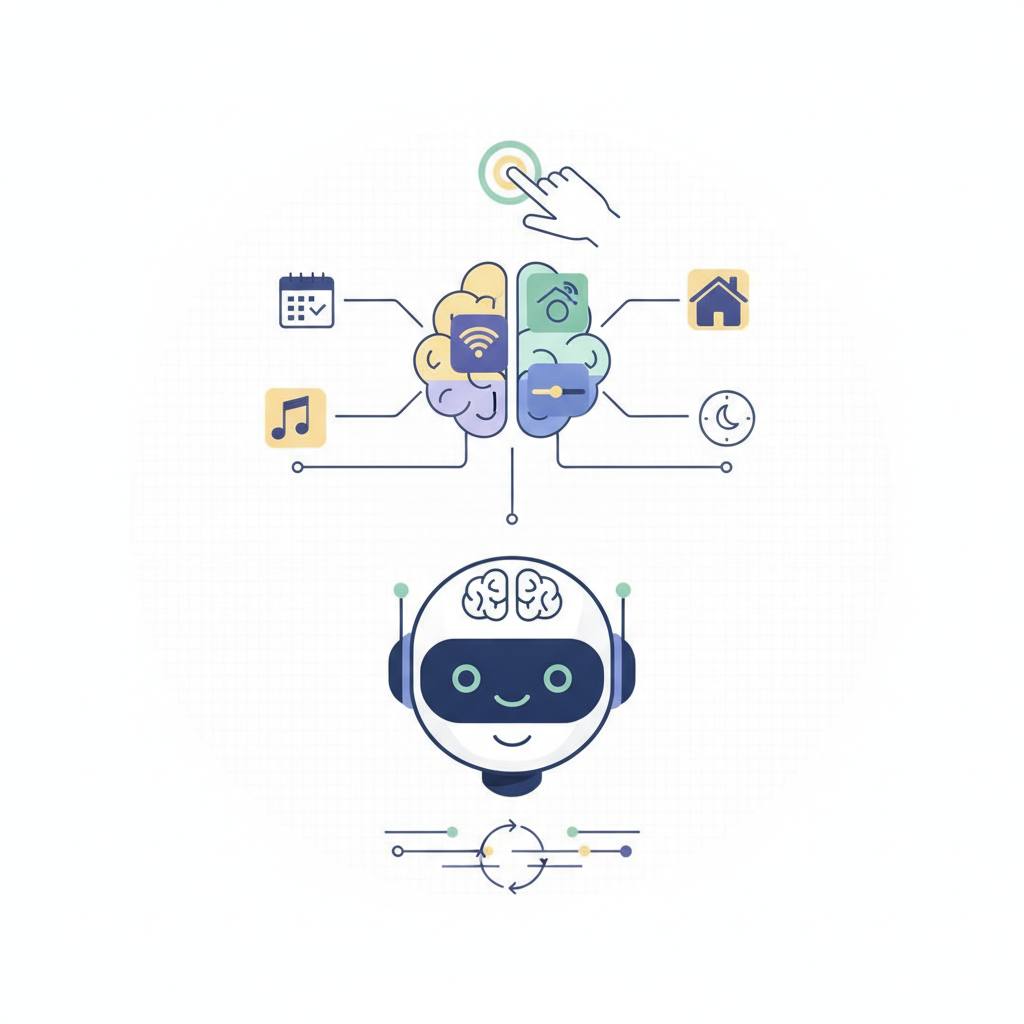
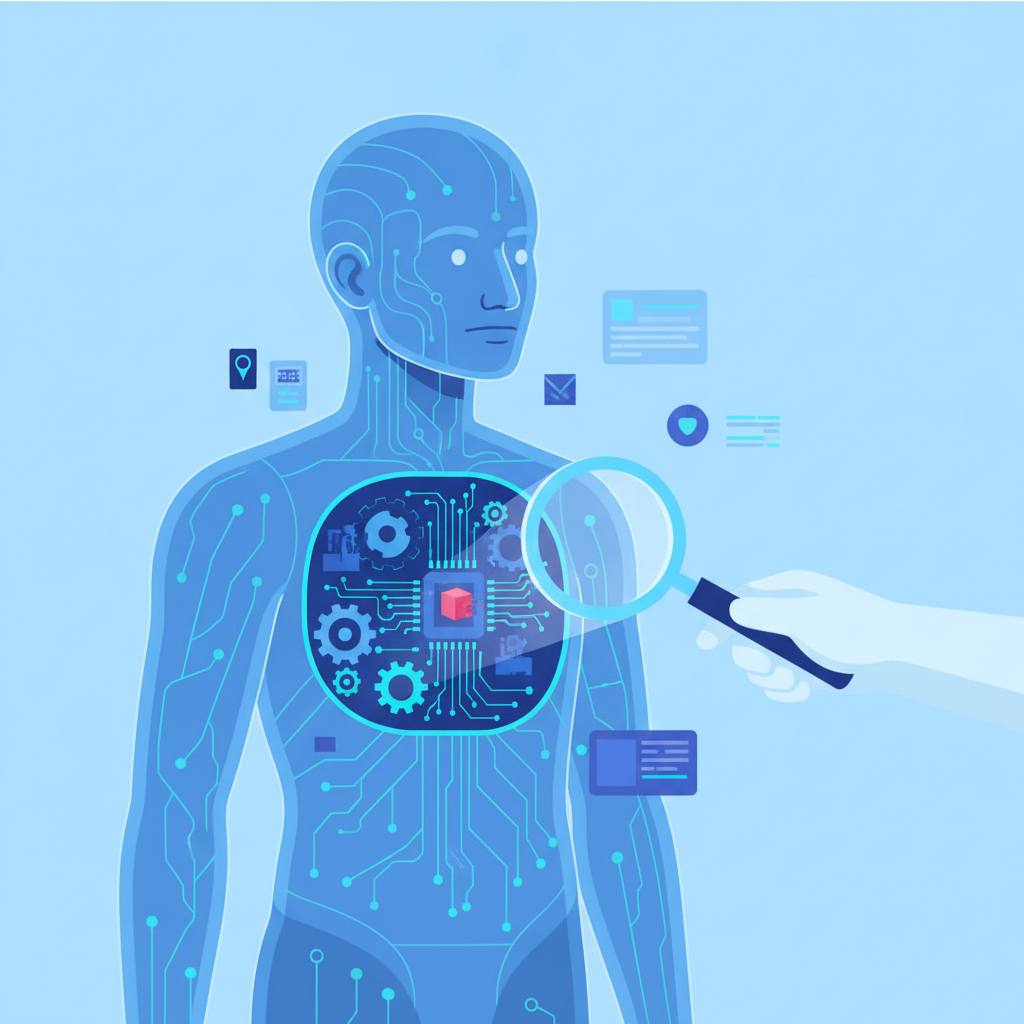
Have you ever asked an AI coding assistant to do something, only for it to give you a confusing answer or make a mistake? It's frustrating when it edits the wrong file or gets stuck repeating itself. The news tells us about a tool called «ccglass» that helps fix this by letting us «see prompts, tool calls, token usage, and cost.» But what does that really mean, and why is it so important? Think of an AI coding agent not as a magic black box, but as a very diligent assistant with a set of tools. When you give it a task (like 'write code to create a simple website'), it doesn't just instantly generate the answer. Instead, it follows a multi-step process. First, it understands your request. Then, it might decide it needs to use a specific tool – perhaps a web search tool to find information, or a code editor tool to write lines of code, or a file management tool to save it. It sends a specific command, called a «tool call,» to that tool, waits for the result, and then uses that result to decide its next step, perhaps making another tool call or finally giving you an answer. This is a continuous loop: Request → Model thinks → Tool used → Tool gives result → Model thinks again. Now, imagine this assistant makes a mistake. Maybe it searched for the wrong thing, or the tool it used didn't work correctly, or it misunderstood the tool's output. From your perspective, you just see a bad final answer. Your first instinct might be to just rephrase your request, like telling a chef 'Make the soup again!' But if the problem was the oven temperature or a missing ingredient, simply repeating the order won't help. You need to inspect *what happened internally*. Did the chef misread the recipe? Was the stove not hot enough? This is exactly what debugging AI agents involves. Tools like «ccglass» allow developers to look inside this loop. They can see *exactly* what commands the AI sent to its tools, what information it received back, how many 'tokens' (small pieces of text it processes) it used, and even the cost involved. By seeing these internal workings, developers can pinpoint the exact step where the mistake occurred. Was the instruction to the tool unclear? Did the tool fail to execute? Did the AI misinterpret the tool's result? This ability to 'look under the hood' is critical. It transforms the guesswork of debugging into a precise, problem-solving process, leading to more reliable, efficient, and smarter AI coding assistants that truly understand and execute your intentions.