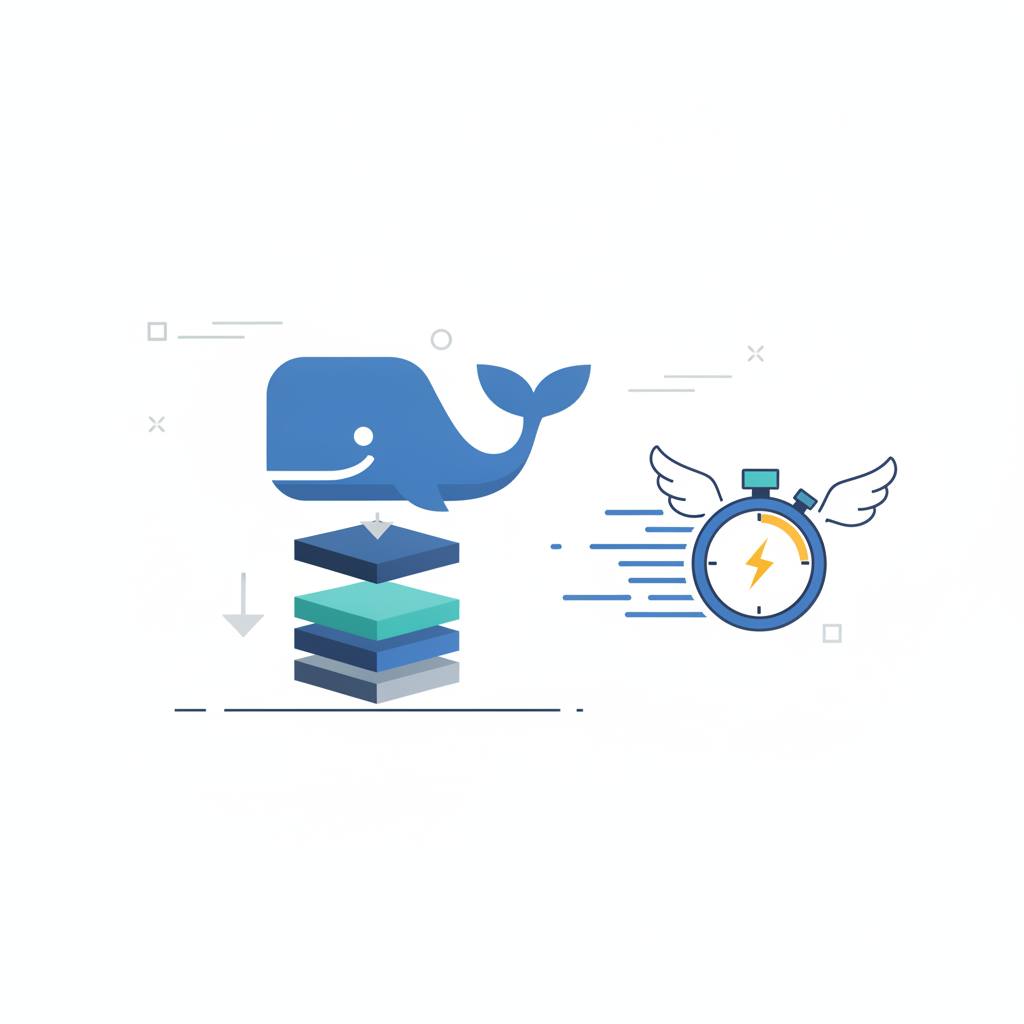
A developer dramatically cut a Docker image size from 1.2GB to 180MB without changing app code, leading to faster deployments and builds. Key strategies included multi-stage builds, using leaner base images, and optimizing Docker layer caching.
Ever waited ages for a Docker image to download or deploy? One developer faced a massive 1.2GB Docker image and managed to shrink it down to a tiny 180MB. This isn't just a technical win; it means much faster development, quicker deployments, and less frustration for everyone involved. For you, this translates directly to spending less time waiting for builds and deploys, and more time actually coding. Imagine your continuous integration (CI) pipeline running in seconds instead of minutes!
The biggest impact came from multi-stage Docker builds. The original image included everything needed to «build» the app — compilers, development tools, and package caches. None of these are needed once the app is actually running. By splitting the process into a 'build' stage and a separate, clean 'runtime' stage, only the essential application code and its minimal dependencies were shipped. This alone cut about 500MB!
Another smart move was choosing leaner base images. Instead of using a full `node:20` image (which is like a complete Debian operating system), they switched to `node:20-slim`. This trimmed off a couple hundred megabytes by removing unnecessary components. For apps compiled into a single binary, like those in Go or Rust, you can go even further with 'distroless' images, which contain almost nothing but your application – no shell, no package manager, no extra operating system parts. This not only shrinks the image but also makes it more secure. Just remember, a distroless image means no shell for debugging inside the container.
Docker builds images layer by layer, and if anything changes in an earlier layer, all subsequent layers are rebuilt. The original Dockerfile copied all source code «before» installing dependencies. This meant every small code change forced a complete reinstallation of all dependencies. By copying only the `package.json` first, running `npm ci` to install dependencies, and «then» copying the rest of the code, the dependency layer is cached. This turned a 4-minute rebuild into a mere 20-second one!
Finally, using a `.dockerignore` file prevents unnecessary files like Git history or local development tools from being copied into the image. While this might not drastically shrink the final image size, it speeds up the build context transfer, making builds quicker. These straightforward techniques show that optimizing your Docker images doesn't require deep code changes, but rather smart build practices. It's about efficiency and making your development workflow significantly smoother.
The biggest impact came from multi-stage Docker builds. The original image included everything needed to «build» the app — compilers, development tools, and package caches. None of these are needed once the app is actually running. By splitting the process into a 'build' stage and a separate, clean 'runtime' stage, only the essential application code and its minimal dependencies were shipped. This alone cut about 500MB!
Another smart move was choosing leaner base images. Instead of using a full `node:20` image (which is like a complete Debian operating system), they switched to `node:20-slim`. This trimmed off a couple hundred megabytes by removing unnecessary components. For apps compiled into a single binary, like those in Go or Rust, you can go even further with 'distroless' images, which contain almost nothing but your application – no shell, no package manager, no extra operating system parts. This not only shrinks the image but also makes it more secure. Just remember, a distroless image means no shell for debugging inside the container.
Docker builds images layer by layer, and if anything changes in an earlier layer, all subsequent layers are rebuilt. The original Dockerfile copied all source code «before» installing dependencies. This meant every small code change forced a complete reinstallation of all dependencies. By copying only the `package.json` first, running `npm ci` to install dependencies, and «then» copying the rest of the code, the dependency layer is cached. This turned a 4-minute rebuild into a mere 20-second one!
Finally, using a `.dockerignore` file prevents unnecessary files like Git history or local development tools from being copied into the image. While this might not drastically shrink the final image size, it speeds up the build context transfer, making builds quicker. These straightforward techniques show that optimizing your Docker images doesn't require deep code changes, but rather smart build practices. It's about efficiency and making your development workflow significantly smoother.