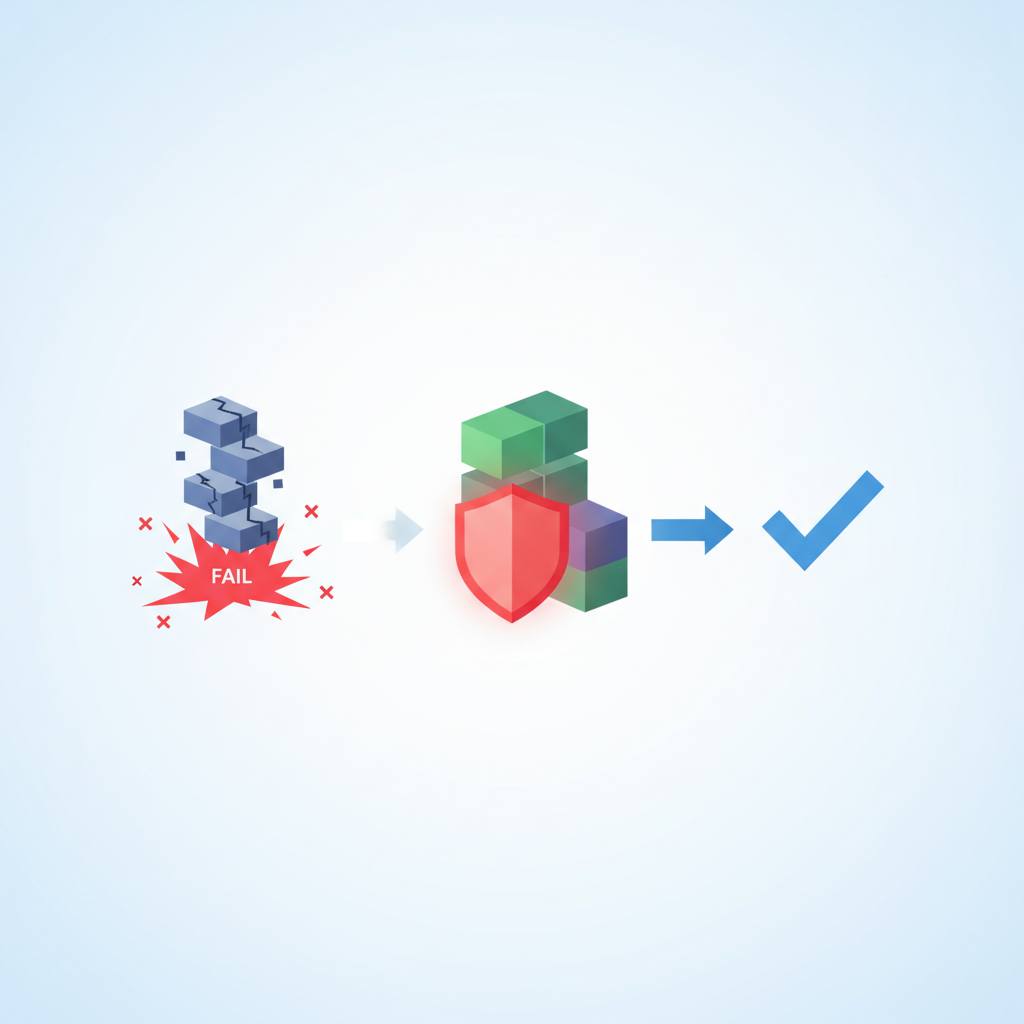
A recent article reveals 'strategic logging' as a systematic way to understand exactly what your code is doing at every step when issues arise. This approach eliminates guesswork and panic in debugging, making the process much clearer and more effective.
Ever felt completely lost when your software suddenly breaks in the real world? A recent article sheds light on a powerful yet often overlooked debugging technique called 'strategic logging' that promises to change how developers tackle these frustrating moments. What this means for you, whether you’re building simple scripts or complex applications, is a much clearer path to understanding and fixing problems, moving beyond guesswork and panic.
The author of the article, a developer working on an AI startup's frontend, shares a common struggle: when things go wrong in production, many developers either guess wildly, hoping a random change fixes it, or they panic, scrolling through endless tabs and Stack Overflow answers. Even pasting tracebacks into AI tools doesn't solve the core issue. The real problem, they realized, was a lack of systematic visibility into the code's journey from start to finish – especially *before* a crash occurs. You need to see exactly what your code is doing at every single step.
This is where strategic logging comes in. At its heart, logging is simply the practice of recording events from your code to capture its precise state, execution path, and environmental context. Think of it like dropping breadcrumbs in a forest: each one tells you where the program went, what data it was handling, and the environment at that exact moment. You’ve likely seen basic logging like `console.log('here')`. That’s logging, but it’s not *strategic* logging.
Strategic logging is different because it’s intentional and descriptive. It doesn't just confirm your code reached a certain point; it tells a detailed story. It records what state your data was in, what specific action was being performed, and what the immediate result was. For instance, instead of `console.log('here')`, a strategic log might be `console.log('Login attempt started', { email: user.email, timestamp: new Date().toISOString() })`, followed by `console.log('Token received from API', { tokenExists: !!token, status: response.status })`. Notice how these examples create a narrative? This detailed trail provides invaluable insight, transforming debugging from a blind struggle into an informed investigation, allowing you to pinpoint issues with precision and confidence.
The author of the article, a developer working on an AI startup's frontend, shares a common struggle: when things go wrong in production, many developers either guess wildly, hoping a random change fixes it, or they panic, scrolling through endless tabs and Stack Overflow answers. Even pasting tracebacks into AI tools doesn't solve the core issue. The real problem, they realized, was a lack of systematic visibility into the code's journey from start to finish – especially *before* a crash occurs. You need to see exactly what your code is doing at every single step.
This is where strategic logging comes in. At its heart, logging is simply the practice of recording events from your code to capture its precise state, execution path, and environmental context. Think of it like dropping breadcrumbs in a forest: each one tells you where the program went, what data it was handling, and the environment at that exact moment. You’ve likely seen basic logging like `console.log('here')`. That’s logging, but it’s not *strategic* logging.
Strategic logging is different because it’s intentional and descriptive. It doesn't just confirm your code reached a certain point; it tells a detailed story. It records what state your data was in, what specific action was being performed, and what the immediate result was. For instance, instead of `console.log('here')`, a strategic log might be `console.log('Login attempt started', { email: user.email, timestamp: new Date().toISOString() })`, followed by `console.log('Token received from API', { tokenExists: !!token, status: response.status })`. Notice how these examples create a narrative? This detailed trail provides invaluable insight, transforming debugging from a blind struggle into an informed investigation, allowing you to pinpoint issues with precision and confidence.