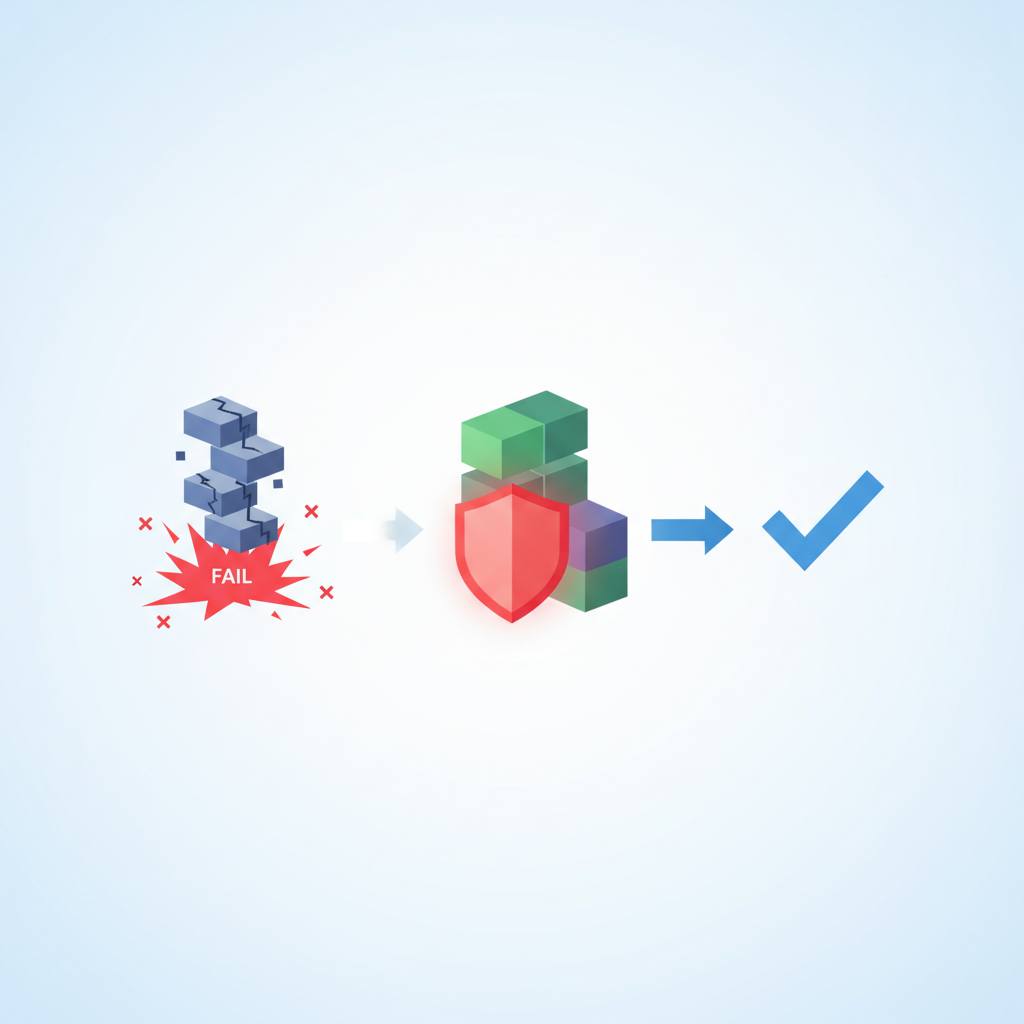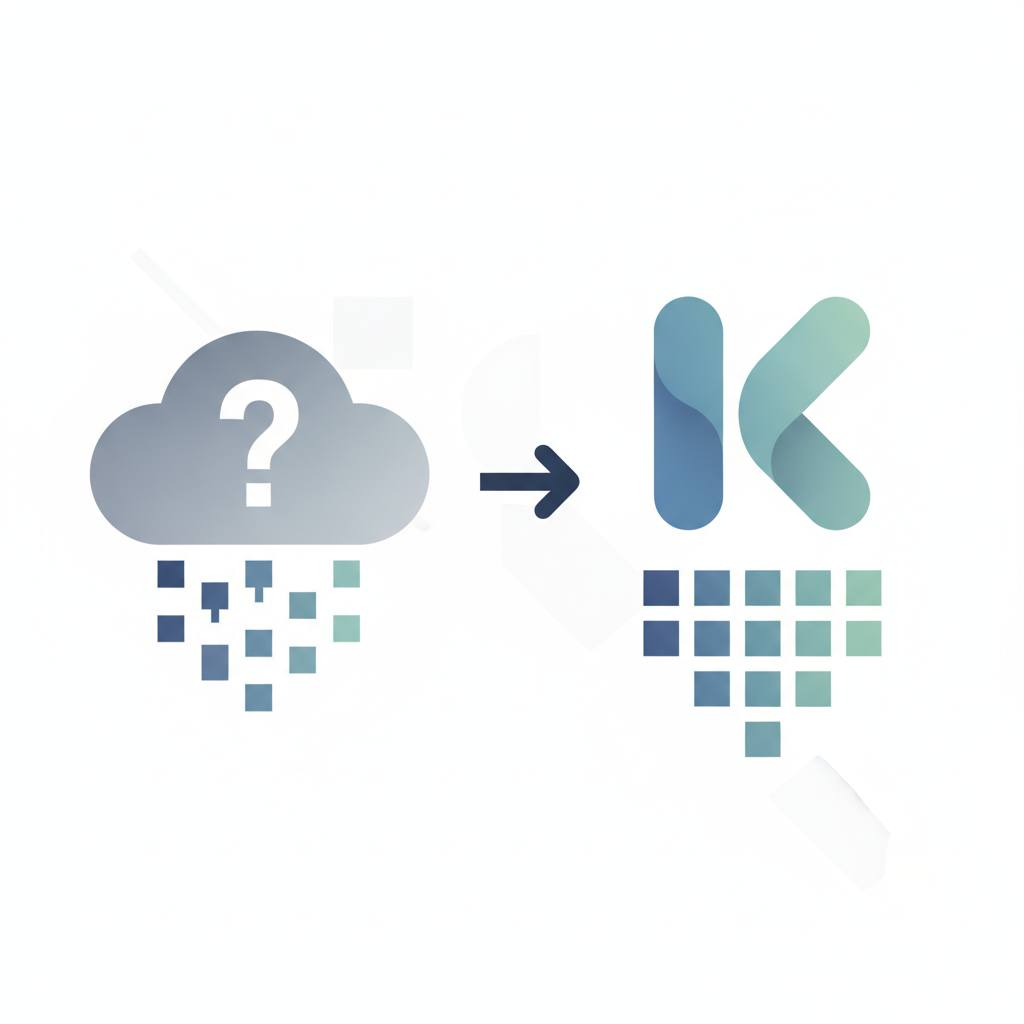
If your WordPress site has member-only content, its default search might accidentally reveal private titles to everyone. This smart solution ensures that only content visitors have access to will appear in search results, keeping your exclusive material secure.
Have you ever wondered if the search bar on your favorite membership website truly keeps private content private? Many WordPress sites with exclusive content, like member-only videos or paid courses, face a common challenge: their default search feature might accidentally show titles of member-only material to everyone, even visitors who aren't logged in. That's not ideal when you're trying to offer something truly exclusive!
The good news is that tech experts are tackling this head-on. A recent project highlighted a clever way to build a search feature that actually respects your content's access rules. The challenge wasn't just building a search, but making it smart enough to understand who can see what, especially with complex setups involving plugins like WooCommerce, Divi, LearnDash, and WishList Member—each having its own ideas about search behavior.
The core innovation was deciding to use one single, unified search system rather than separate ones for different content types. The real magic happens behind the scenes: when you search, the system actively checks your access level. If you're not a member, you simply won't see any titles or snippets of gated content in the results. This crucial decision ensures that member-only videos, courses, or special blog posts remain completely hidden from non-members.
From a user's perspective, this solution is sleek and easy to use. Instead of a cramped search bar, it's an icon that opens a full-screen pop-up. As you type, live results appear, grouped by content type, and styled to match the site. Plus, it works perfectly on mobile.
For site owners, this means you can offer a powerful search experience without compromising the privacy of your exclusive content. It's a testament to how custom solutions can overcome the limitations of off-the-shelf tools, making your membership site both user-friendly and truly secure. This kind of thoughtful development helps keep your exclusive content genuinely exclusive, giving your members more reasons to value their subscription.
The good news is that tech experts are tackling this head-on. A recent project highlighted a clever way to build a search feature that actually respects your content's access rules. The challenge wasn't just building a search, but making it smart enough to understand who can see what, especially with complex setups involving plugins like WooCommerce, Divi, LearnDash, and WishList Member—each having its own ideas about search behavior.
The core innovation was deciding to use one single, unified search system rather than separate ones for different content types. The real magic happens behind the scenes: when you search, the system actively checks your access level. If you're not a member, you simply won't see any titles or snippets of gated content in the results. This crucial decision ensures that member-only videos, courses, or special blog posts remain completely hidden from non-members.
From a user's perspective, this solution is sleek and easy to use. Instead of a cramped search bar, it's an icon that opens a full-screen pop-up. As you type, live results appear, grouped by content type, and styled to match the site. Plus, it works perfectly on mobile.
For site owners, this means you can offer a powerful search experience without compromising the privacy of your exclusive content. It's a testament to how custom solutions can overcome the limitations of off-the-shelf tools, making your membership site both user-friendly and truly secure. This kind of thoughtful development helps keep your exclusive content genuinely exclusive, giving your members more reasons to value their subscription.